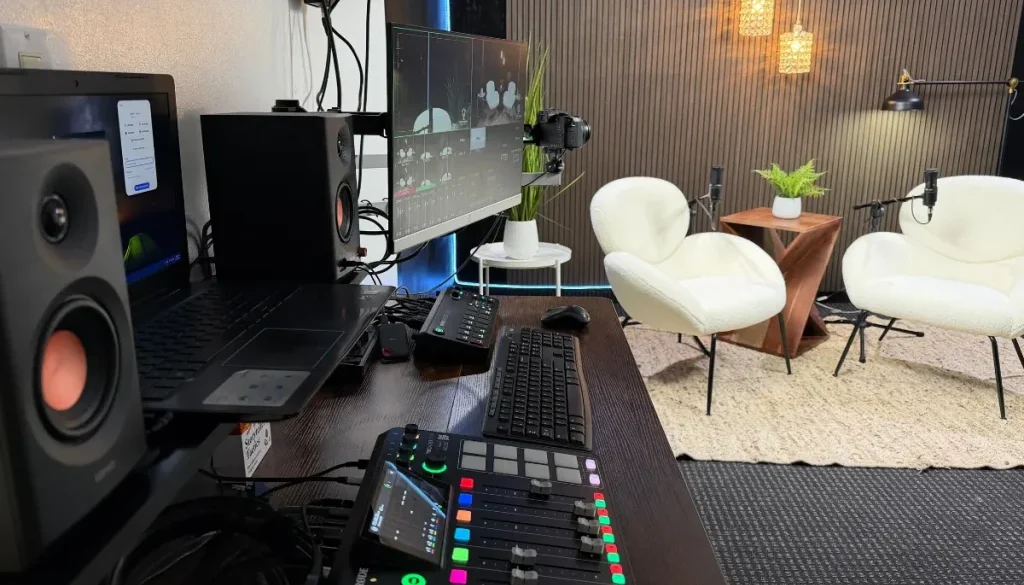
How to Start a Video Podcast in 2026 for Beginners
Starting a show is a powerful way to share your story, grow your personal brand, and reach a wider audience. If you want to start a video podcast this year, you do not need audio engineering degrees or expensive gear to get started. Video platforms now prioritize shows that deliver strong visual connections. Adding full-motion video to your audio helps listeners read your body language, see your expressions, and trust your message faster. This simple guide outlines every step you need to record, publish, and grow your show today.
Key Takeaways
- Define Your Strategy: Pick a narrow topic, plan your visual layout, and set a clear focus before buying equipment.
- Audio Matters Most: Good video gets attention, but clear audio keeps viewers listening.
- Choose Your Path: Decide between building a home studio or using a plug-and-play professional studio to save time.
- Repurpose Your Content: Cut long episodes into short clips for social media feeds to gain new followers faster.
Why Video Podcasting Matters
Creating visual content gives your show a huge advantage over traditional audio-only tracks. Viewers connect more deeply when they can see who is talking.
Here are the primary benefits of video podcasting:
- Better Audience Connection: Viewers see your reactions, smile, and facial expressions, which builds trust quickly.
- Social Media Content: A single video recording yields full episodes plus short vertical clips for social media platforms.
- Search Engine Visibility: Video discovery engines push active video creators to the top of search results.
- Flexible Viewing: Audiences can actively watch your episode on a screen or simply listen in the background while driving.
Step 1: Define Your Concept and Visual Format
Before touching a microphone, you must plan your show structure. Having a clear plan makes recording easier and keeps your content organized.
Select Your Main Format
- Solo Show: You speak directly to a single camera. This is great for short tips, personal stories, or industry commentary.
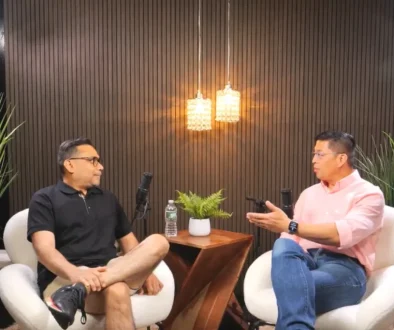
- Two-Person Interview: Two co-hosts or a guest sit together. This requires a cozy seating layout and two to three camera angles.
- Four-Person Roundtable: A group discussion setup. This needs dedicated microphone channels and a wider recording area.
Pro Tip: Keep your early episodes short. Aim for 20 to 30 minutes to make planning, recording, and editing manageable.
Step 2: Choose Your Gear and Recording Setup
Your gear selection depends on your technical comfort level and budget. You can build a home setup or book a fully equipped space to handle technical tasks for you.
Gear Basics for Beginners
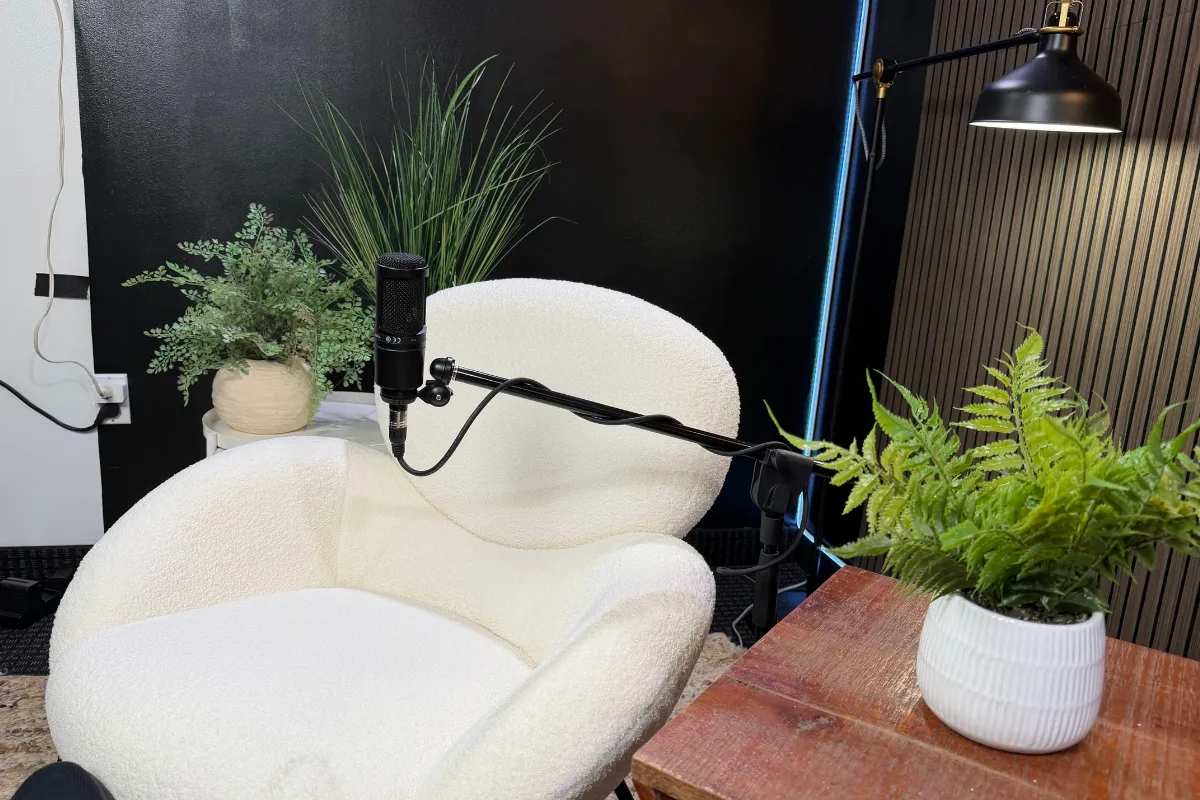
- Microphones: Dynamic microphones are best for home spaces because they reject background noise. Condenser microphones offer rich, broadcast-style sound in quiet rooms.
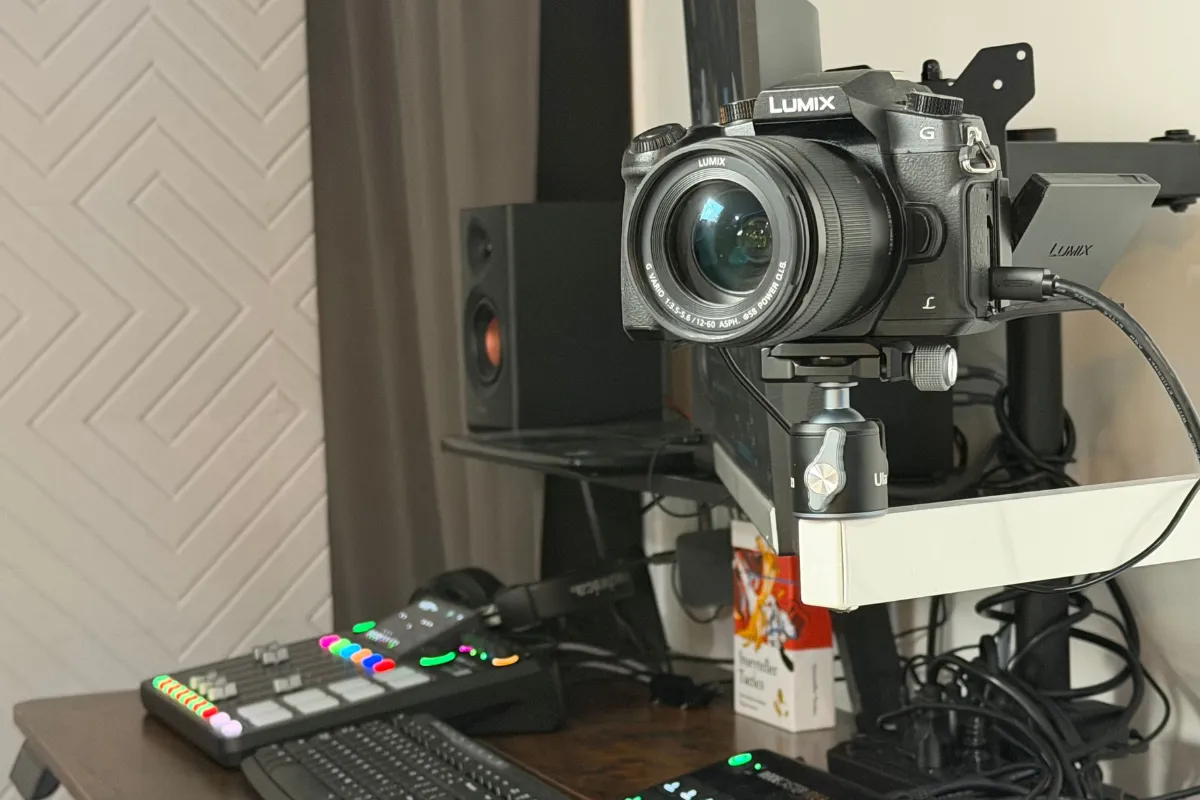
- Cameras: Start with quality 1080p webcams or upgrade to 4K mirrorless cameras for crisp visual clarity.
- Lighting: Proper key lights and fill lights brighten your face and prevent dark shadows.
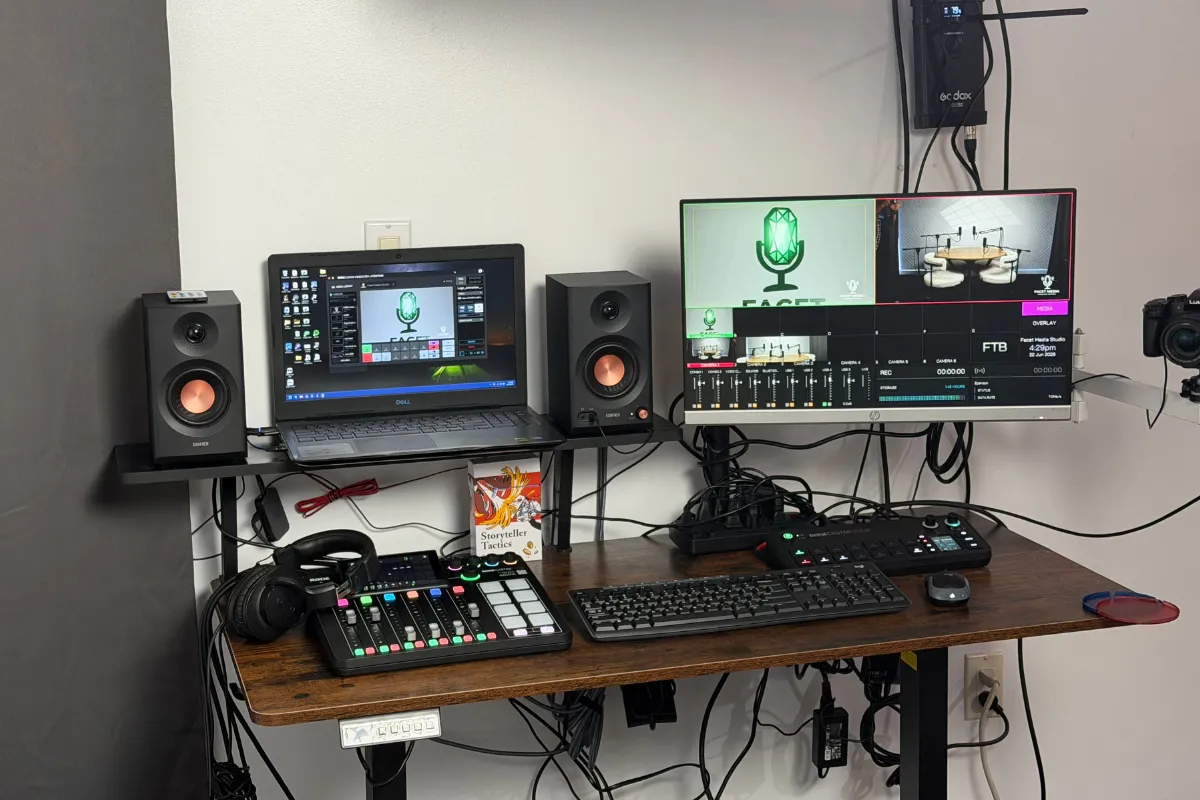
- Mixers and Switches: Hardware mixers manage audio levels, while automated video switchers cut between camera angles automatically.
Benefits of Recording a 4K Video Podcast
Recording a 4K video podcast provides clean image detail that makes your show look professional. Ultra-high-definition video lets you crop in on a speaker during editing without losing picture quality. This helps you turn a single wide shot into multiple virtual camera angles during post-production.
| Feature | Home Recording Setup | Professional Studio Setup |
|---|---|---|
| Upfront Cost | $500 – $2,000+ | $75 – $110 / hour |
| Technical Effort | High (Setup, testing, editing) | None (Engineer handles setup) |
| Audio & Video Quality | Variable (Depends on room noise) | Studio-Grade Broadcast |
| Turnaround Time | Hours or days of editing | Raw files delivered in 1-2 hours |
| Room Environment | Requires acoustic treatment | Acoustically soundproofed |
Step 3: Design an Attractive Environment
Your visual background communicates your brand tone just as much as your spoken words. Viewers notice what is behind you immediately.
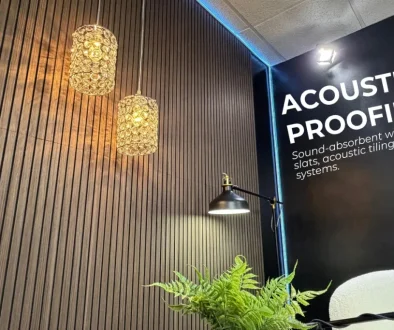
- Acoustic Treatment: Add soft furnishings, rugs, or acoustic wall panels to eliminate hollow echoes.
- Visual Backgrounds: Use warm wood paneling, plants, or branded accent walls to make your set visually interesting.
- Ergonomic Seating: Use comfortable chairs so you and your guests stay relaxed during long conversations.
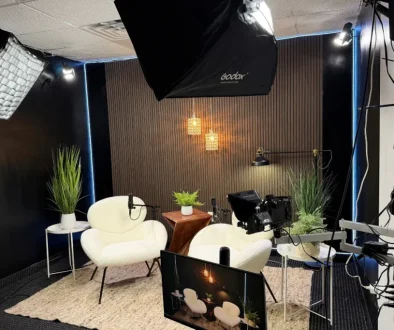
- Lighting Placement: Position soft key lights directly in front of speakers and add subtle background backlights to create visual depth.
Step 4: Record Your First Episode
Once your space and equipment are ready, prepare your episode outline. Avoid writing a full script word-for-word unless you use a teleprompter. Bullet points keep your conversation natural while keeping you on topic.
Pre-Recording Checklist
- Test all microphone volumes to avoid audio distortion.
- Clean your camera lenses and double-check your lighting placement.
- Keep cold water nearby to prevent dry mouth while speaking.
- Silence all mobile phones and close computer notifications.
- Press record on all video and audio tracks before starting.
Recording at a Local Podcast Studio Paramus Location
If managing technical gear, light placement, and sound mixers sounds overwhelming, you can skip the setup stress entirely. Visiting a local podcast studio in Paramus allows you to record in a comfortable, professional environment.
For instance, Facet Media Podcast Studio in Paramus, New Jersey, provides a completely plug-and-play setup. You get access to multi-cam 4K switching, broadcast microphones, and cozy sets like a dark wood lounge or a four-person acoustic roundtable. An on-site engineer monitors your sound levels and manages the gear so you can focus entirely on your message. You even receive your raw files via Dropbox within 1 to 2 hours after wrapping up.
Step 5: Edit and Share Your Content
After recording, your final step is editing and sharing your content across major channels.
- Edit the File: Trim out long pauses, fix volume levels, and add introductory graphics or background music.
- Upload the Full Episode: Publish your complete video episode to major video platforms and push the audio feed to popular podcast apps.
- Create Short Clips: Cut 30-to-60-second vertical clips highlighting key points or funny moments. Post these as short-form videos to draw new viewers to your main show.
Frequently Asked Questions
What basic equipment do I need to start a video podcast?
You need at least one dynamic USB or XLR microphone, a 1080p or 4K camera, a soft key light, headphones, and editing software. Alternatively, you can book a studio session where all equipment and engineering are provided.
How long should a beginner video podcast episode be?
A great target length for beginners is 20 to 30 minutes. This length keeps audience attention high and keeps your editing workload small while you build your workflow routine.
Can I start a video podcast with no technical experience?
Yes. You can use simple plug-and-play USB equipment at home or record at an all-inclusive facility like Facet Media Podcast Studio, where an engineer runs all technical equipment for you.
Final Thoughts
Learning how to start a video podcast is a rewarding project that opens new doors for your brand or business. By choosing a clear topic, focusing on clean audio, and selecting the right recording environment, you will create high-quality shows that viewers love to watch. Gather your ideas, pick your recording setup, and launch your show today!
Ready to record your show without technical stress? Book your session at Facet Media Podcast Studio in Paramus, New Jersey. Enjoy professional 4K multi-cam video, studio audio, and on-site engineering assistance. Visit our website or call (551) 788-0014 to reserve your studio time today.