How to Repurpose Podcast Audio and Video
You spend hours planning, recording, and editing a single recording session. After you hit publish, you share a link on your feeds, and then you start the cycle all over again. This routine can lead straight to creator burnout. When you learn how to repurpose podcast episodes properly, you turn that single conversation into a full month of consistent posts. This approach saves you time while keeping your audience engaged across multiple platforms without demanding extra hours behind the microphone.
Key Takeaways:
- One recorded session can provide over twenty distinct pieces of promotional material.
- Breaking long recordings into short video segments helps reach audiences on mobile feeds.
- Written transcripts serve as the base for newsletters, blog updates, and social posts.
- Planning your visual assets ahead of time reduces post-production delays.
Why Podcast Marketing Needs Content Recycling
Creating fresh ideas every single day is hard work. Content recycling allows you to work smarter by extracting every bit of value from the material you already made.
A strong approach to podcast marketing offers several benefits:
- Higher efficiency: You create weeks of material from a single one-hour recording session.
- Better reach: Different people like different formats. Some prefer reading, others prefer audio, and many prefer video.
- Message reinforcement: Sharing key points multiple times across different channels helps your ideas stick with your audience.
- Reduced stress: You no longer need to scramble for daily posting ideas.
Creating Engaging Social Media Clips from Full Episodes
The easiest way to divide your episode is to pull out short, memorable highlights. These segments capture attention as users scroll through their feeds.
To select the best moments, look for segments that contain:
- A strong opinion or unique perspective on a common problem.
- A direct answer to a question your audience often asks.
- A funny, surprising, or emotional moment between hosts or guests.
- A clear, practical tip that someone can apply immediately.
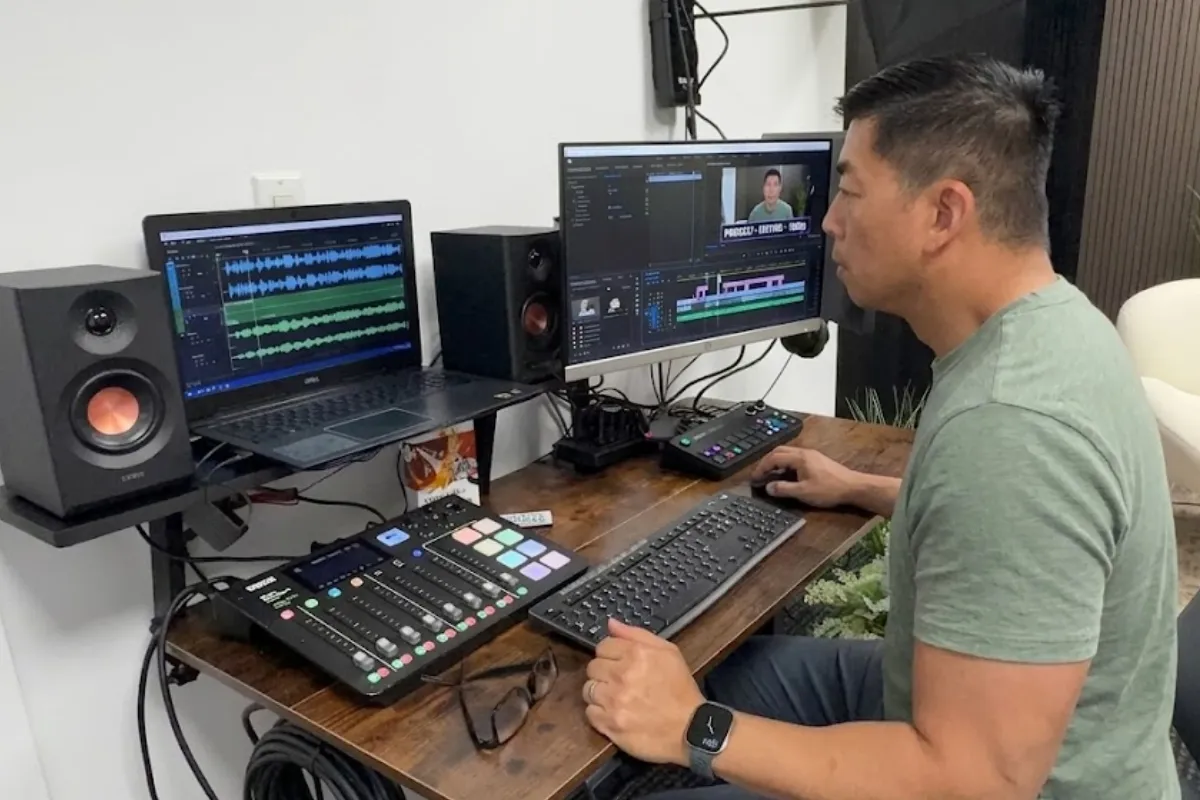
When cutting these moments into social media clips, keep them focused on one single thought. If a clip covers three different topics, viewers may lose interest before reaching the end.
Pro Tip: Keep an eye out for natural transitions during your recording session. Note the timestamp immediately so you do not have to re-listen to the entire audio track later.
Using Short-Form Video to Reach New Audiences
Video platforms favor vertical content that gets straight to the point. Recording your podcast with cameras turns your studio session into a library of visual material.
When preparing your short-form video posts, follow these standards:
- Format vertically: Frame your footage in a 9:16 aspect ratio so it fills the screen on mobile devices.
- Add open captions: Many people watch videos with the sound turned off. Clear captions keep them reading along.
- Hook viewers early: Place the most interesting sentence within the first three seconds to stop viewers from scrolling past.
- Keep it brief: Aim for 30 to 60 seconds per video to maintain high retention rates.
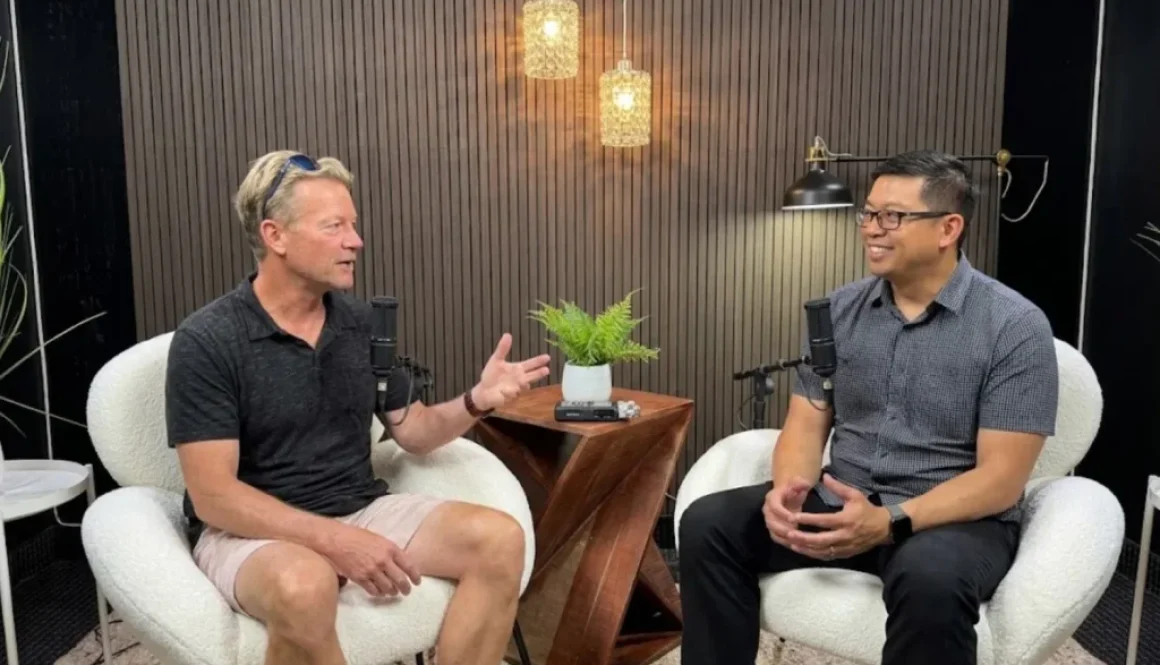
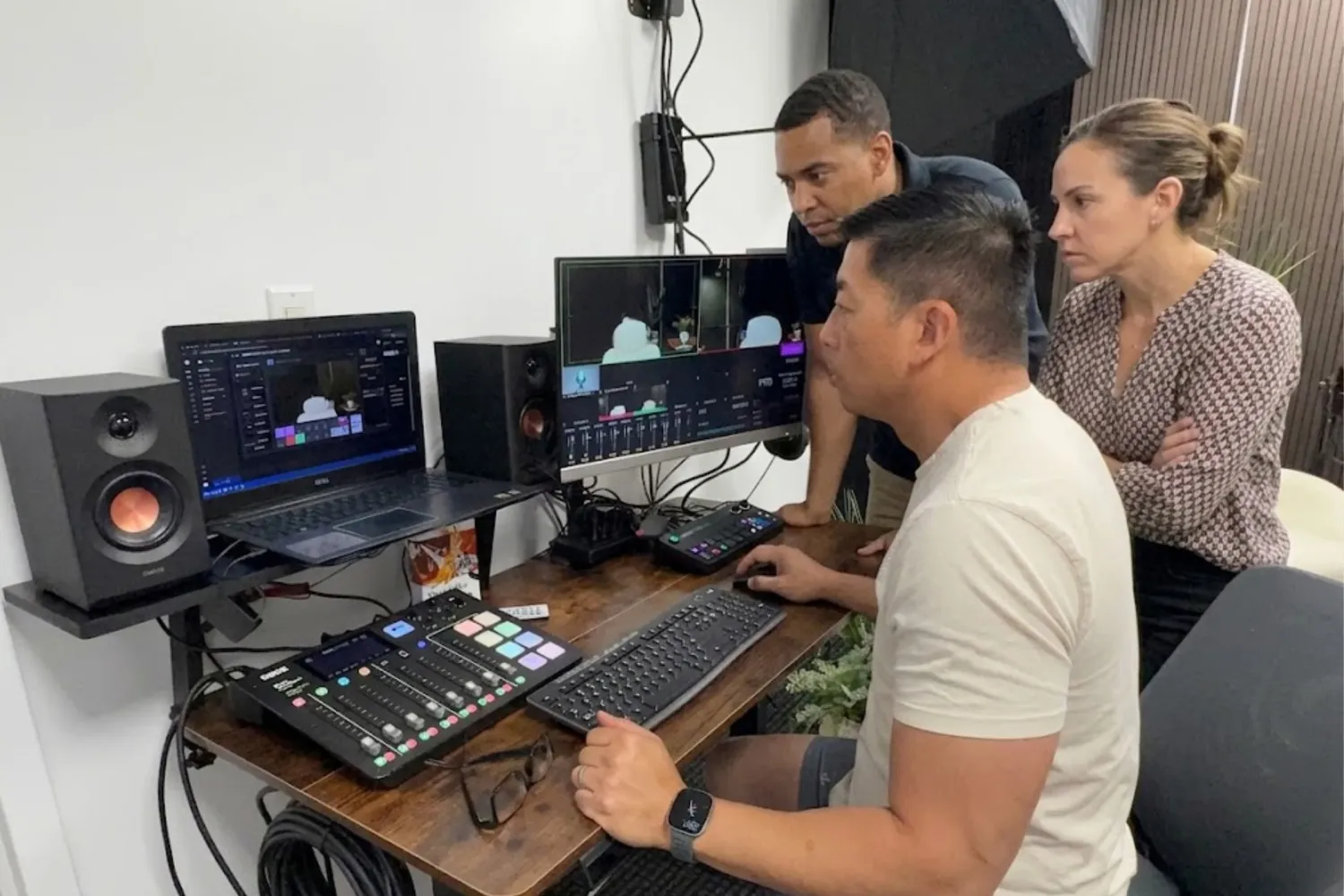
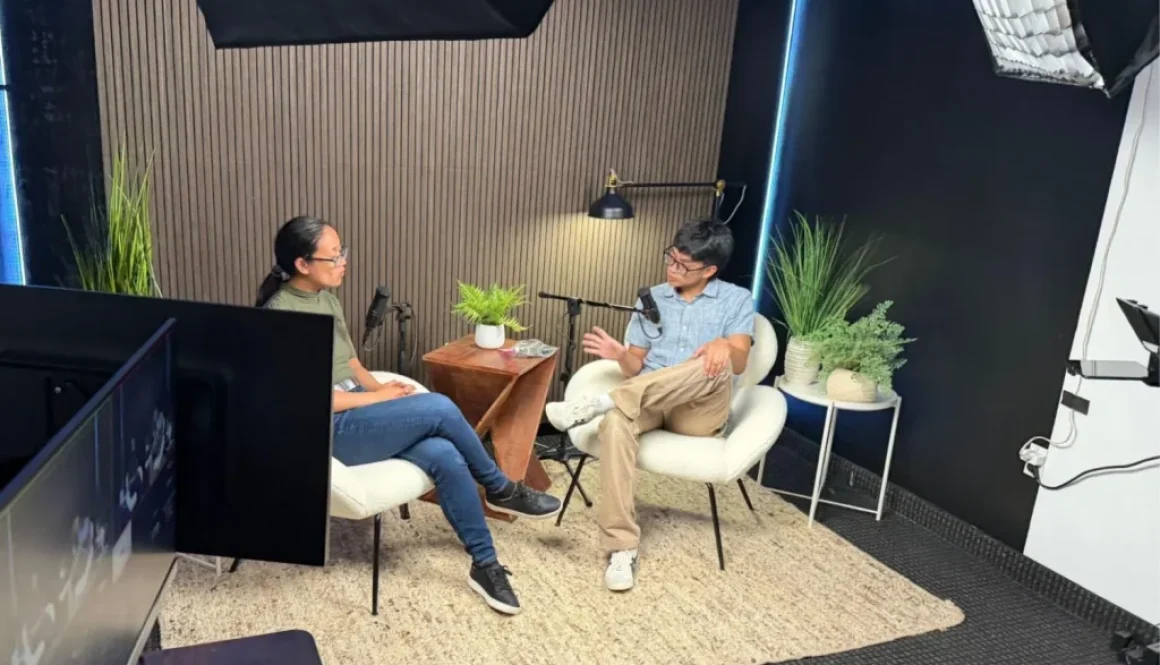
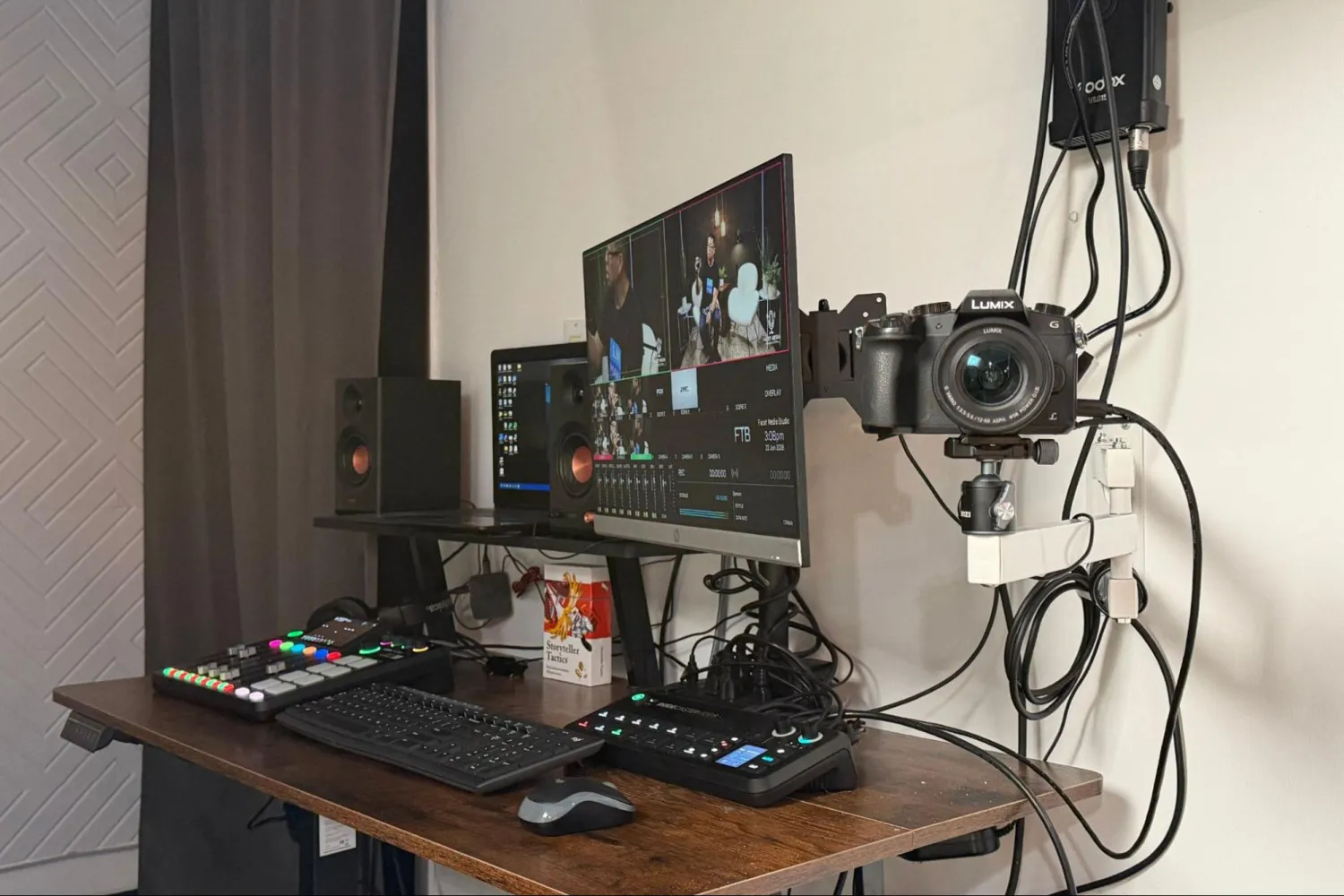
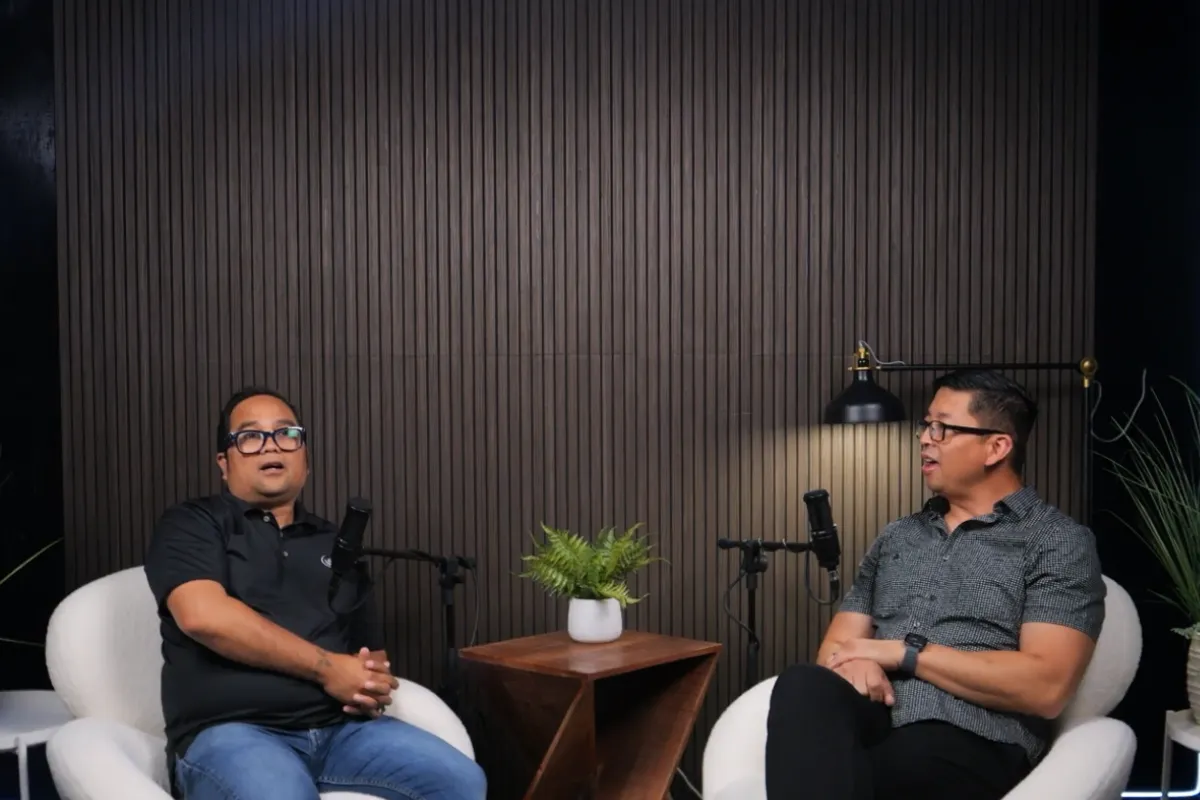
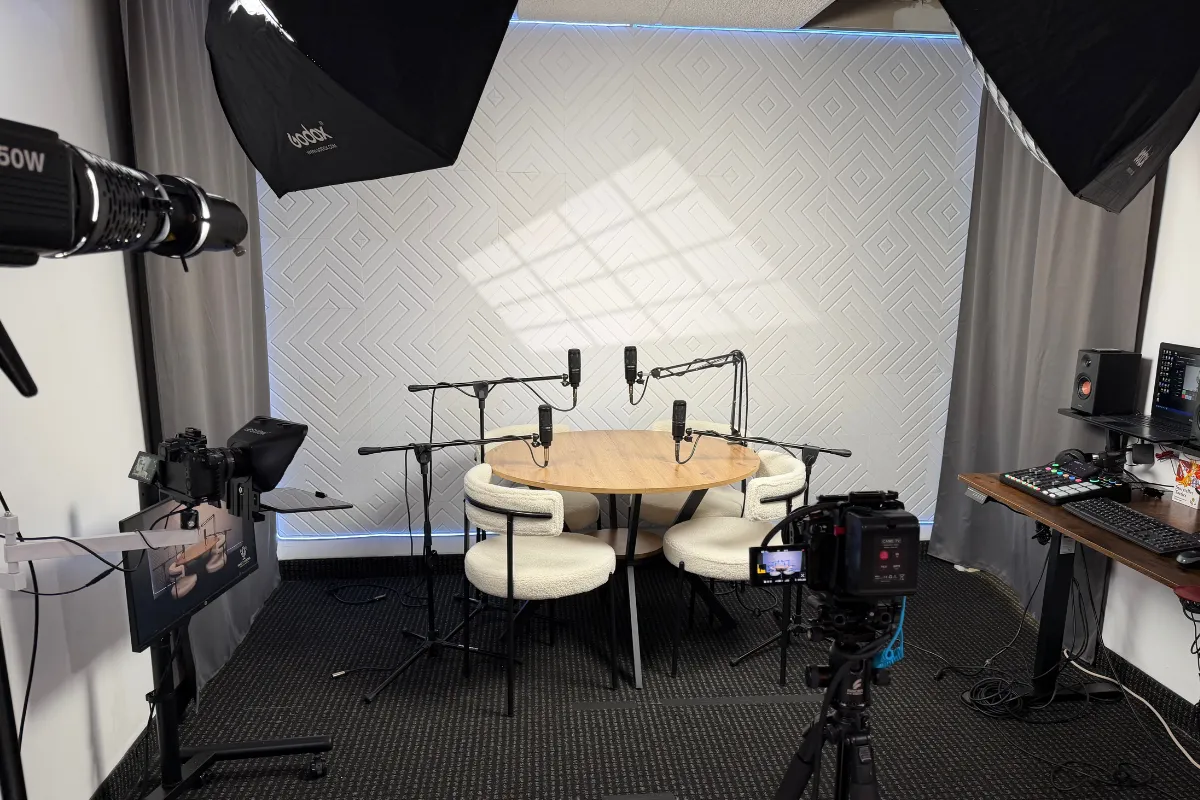
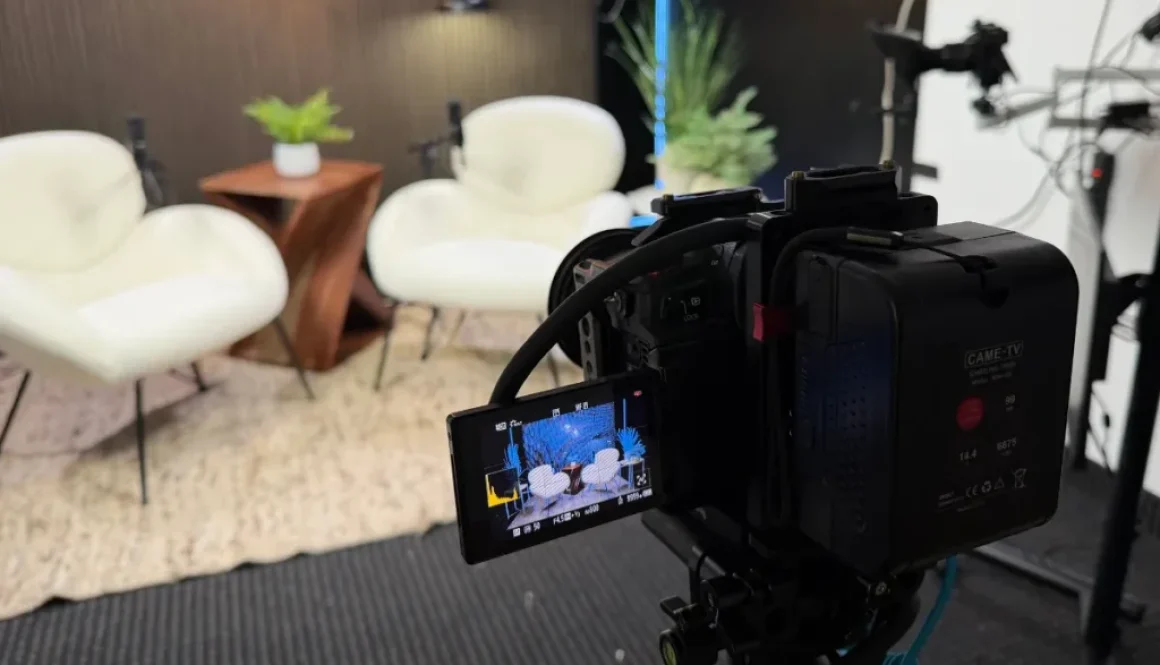
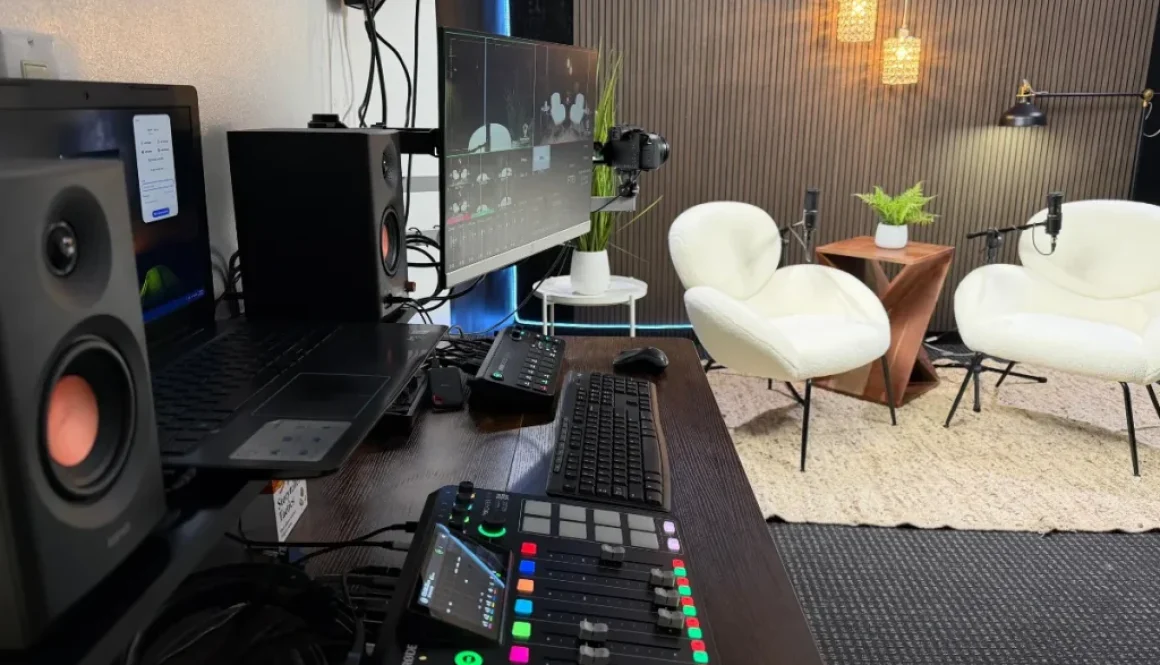
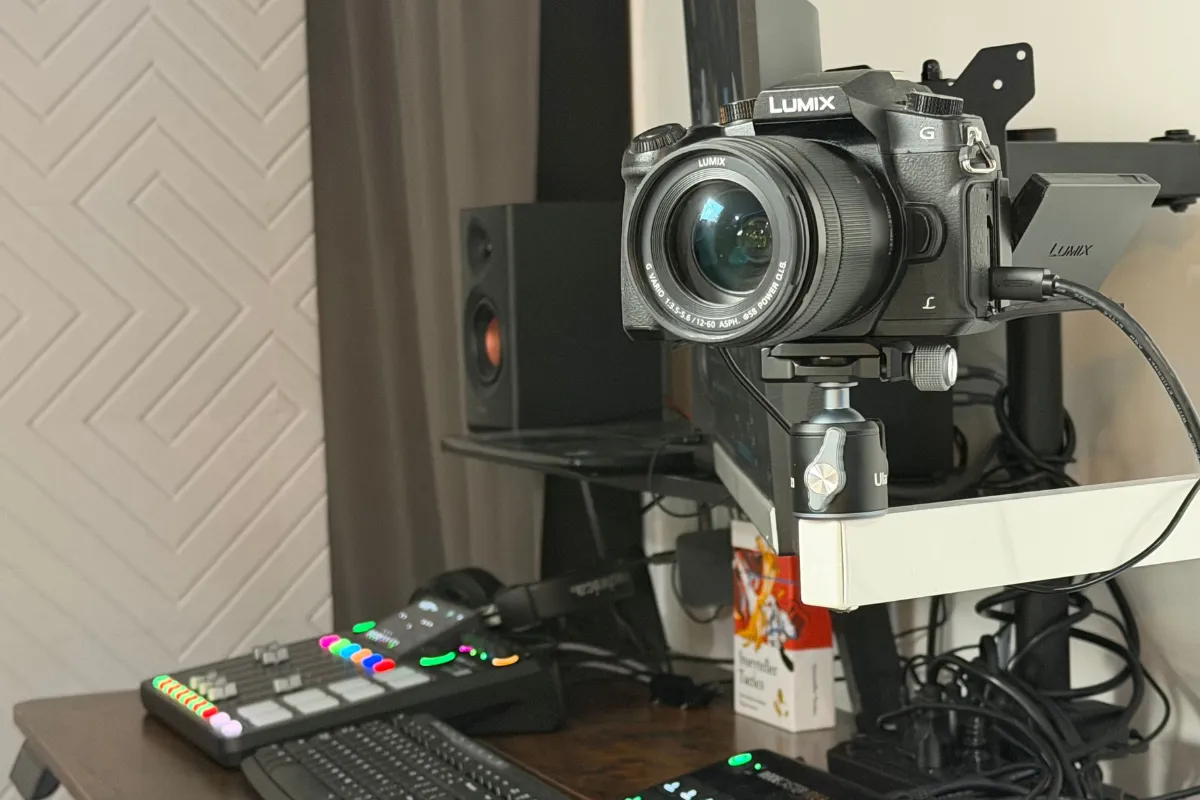
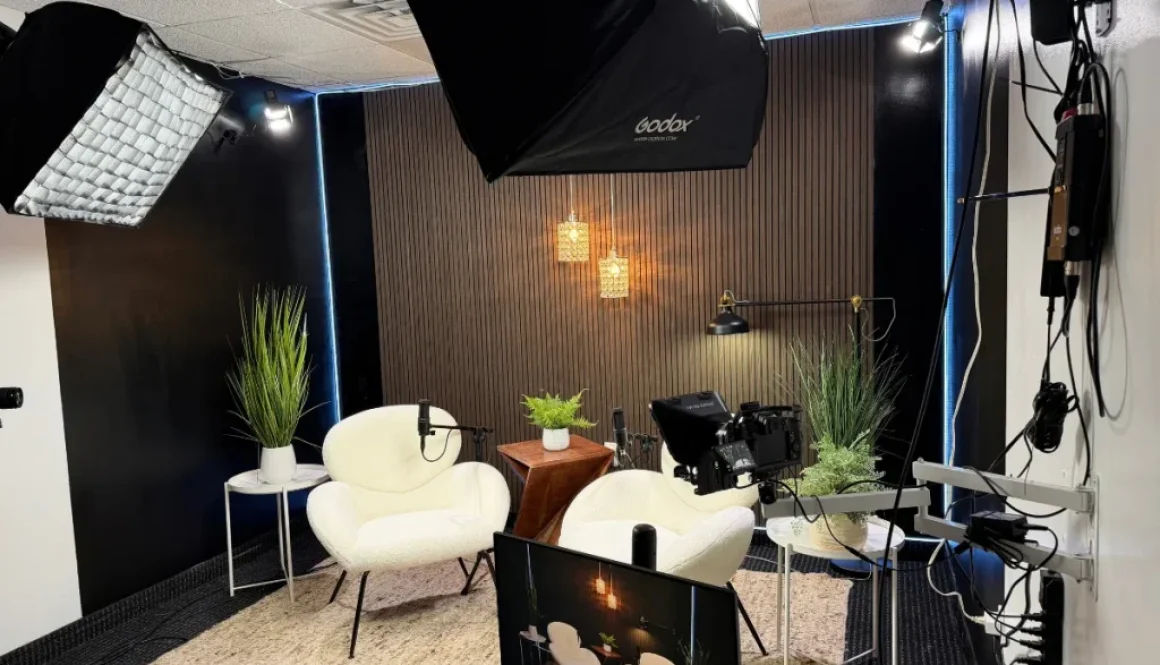
At Facet Media Podcast Studio, the multi-camera setup automatically tracks who is speaking. This makes it simple to export vertical video segments without spending hours manually reframing each shot.
The 30-Day Content Breakdown
Here is an example plan showing how you can break one full-length episode into four weeks of material:
| Week | Asset Format | Distribution Channel | Goal |
|---|---|---|---|
| Week 1 | Full Episode Release | Podcast Directories, YouTube | Drive primary listeners and subscribers |
| Week 1 | 2 Short Video Clips | TikTok, Instagram Reels, YouTube Shorts | Introduce key concepts and tease the episode |
| Week 2 | Text Quote Graphic | LinkedIn, Facebook | Highlight a strong statement from the guest |
| Week 2 | 2 Short Video Clips | TikTok, Instagram Reels | Share a practical tip from the discussion |
| Week 3 | Email Newsletter Summary | Subscriber Inbox | Provide a deep breakdown of the episode topic |
| Week 3 | Multi-Slide Carousel | LinkedIn, Instagram | Walk through a step-by-step lesson |
| Week 4 | Question Post / Poll | Community Tab, Social Feeds | Spark a conversation based on episode themes |
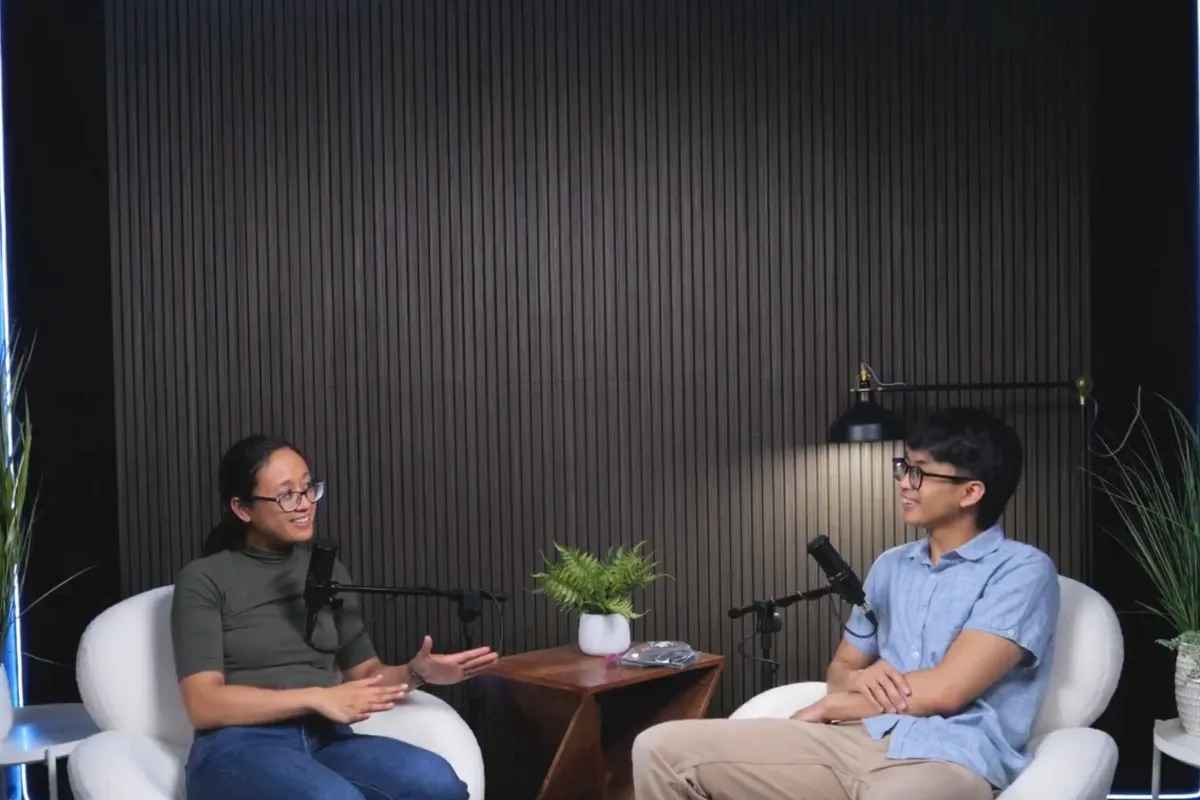
| Week 4 | 1 Behind-the-Scenes Clip | Social Stories | Show the recording environment and build connection |
Repackaging Audio into Written Assets
You do not have to limit your promotional plan to video. Written content helps you reach professionals who prefer reading articles or quick text updates.
Follow these steps to turn spoken words into text:
- Transcribe your audio: Run your final episode audio through an automated transcription tool to generate a text draft.
- Pull memorable quotes: Scan the text for punchy one-liners. Place these quotes over simple branded backgrounds for image posts.
- Write an email newsletter: Pick the central lesson from your conversation and summarize it into three main bullet points for your email list.
- Draft text-only updates: Share individual thoughts or lessons on text-first platforms, prompting readers to comment with their own experiences.
Setting Up Your Production for Easy Editing
Repackaging your work is much easier when you plan for it before you hit the record button. A little preparation in the studio saves hours of frustration later.
Keep these items in mind during your session:
- Leave pauses between topics: A two-second pause before moving to a new subject gives you a clean cut point for editing.
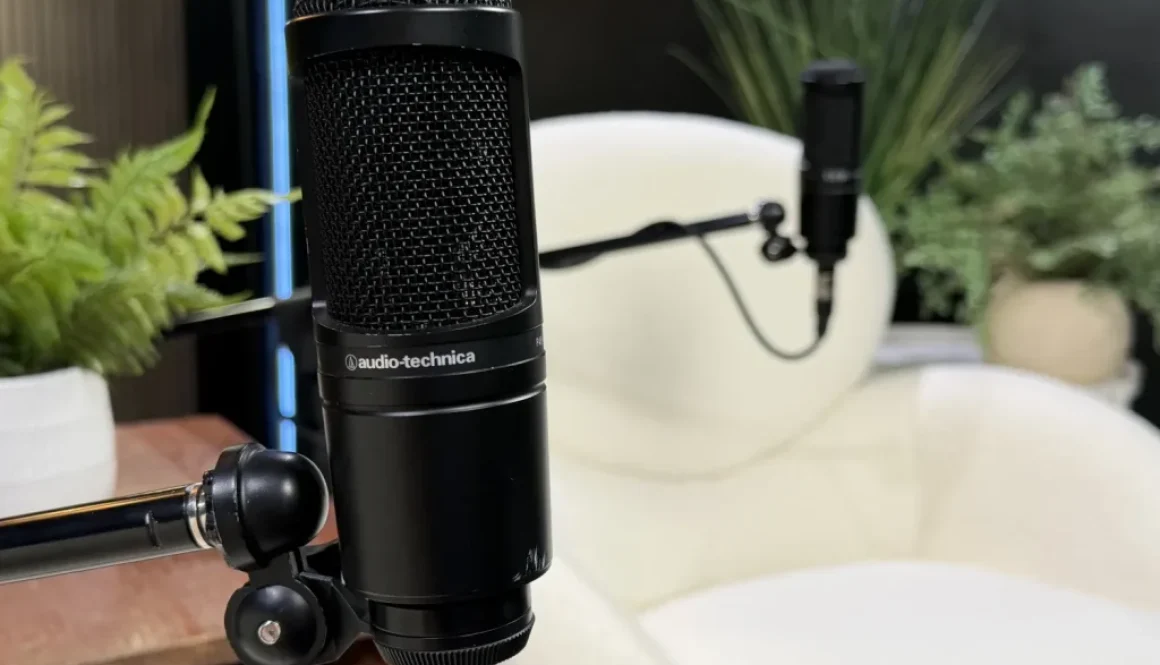
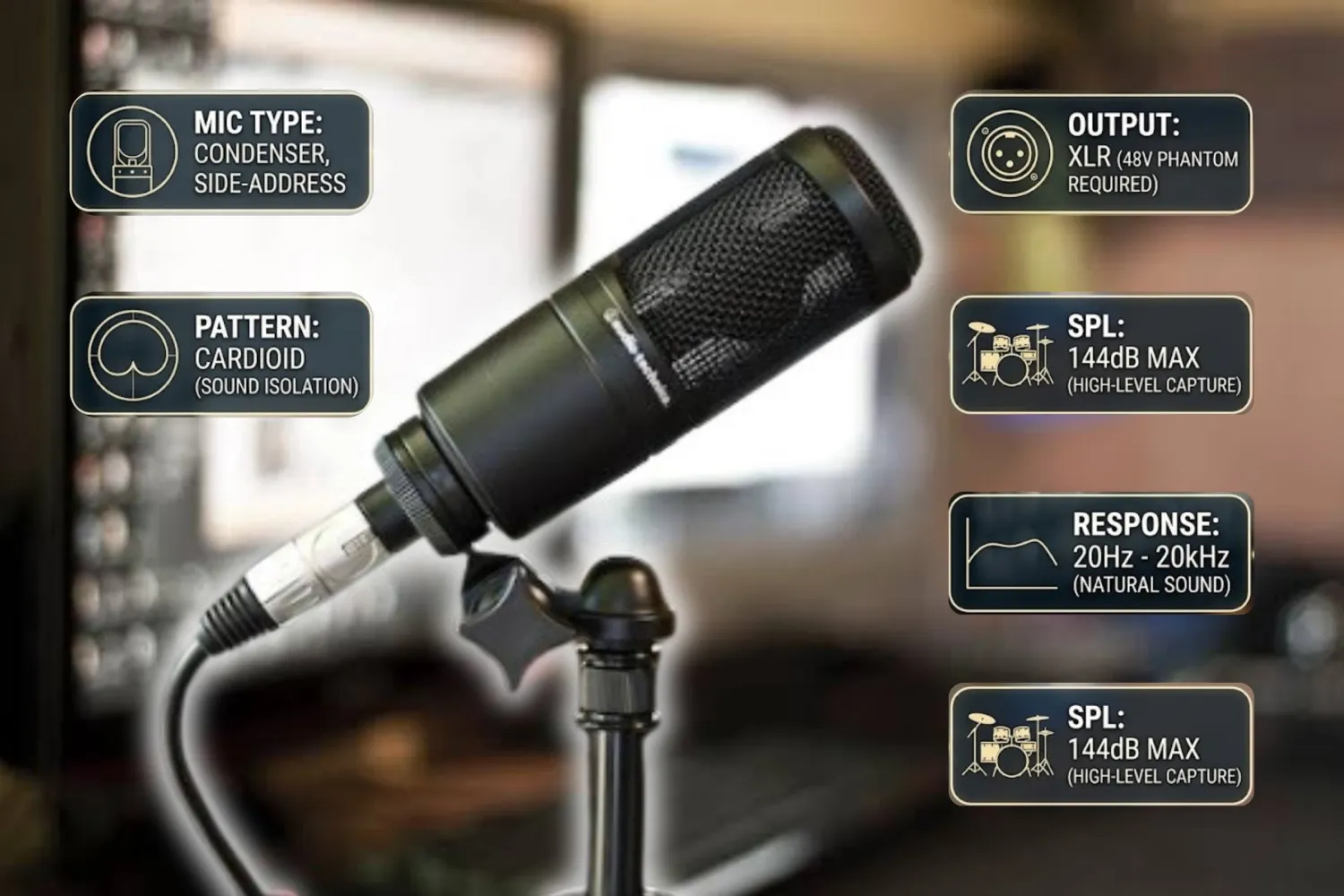
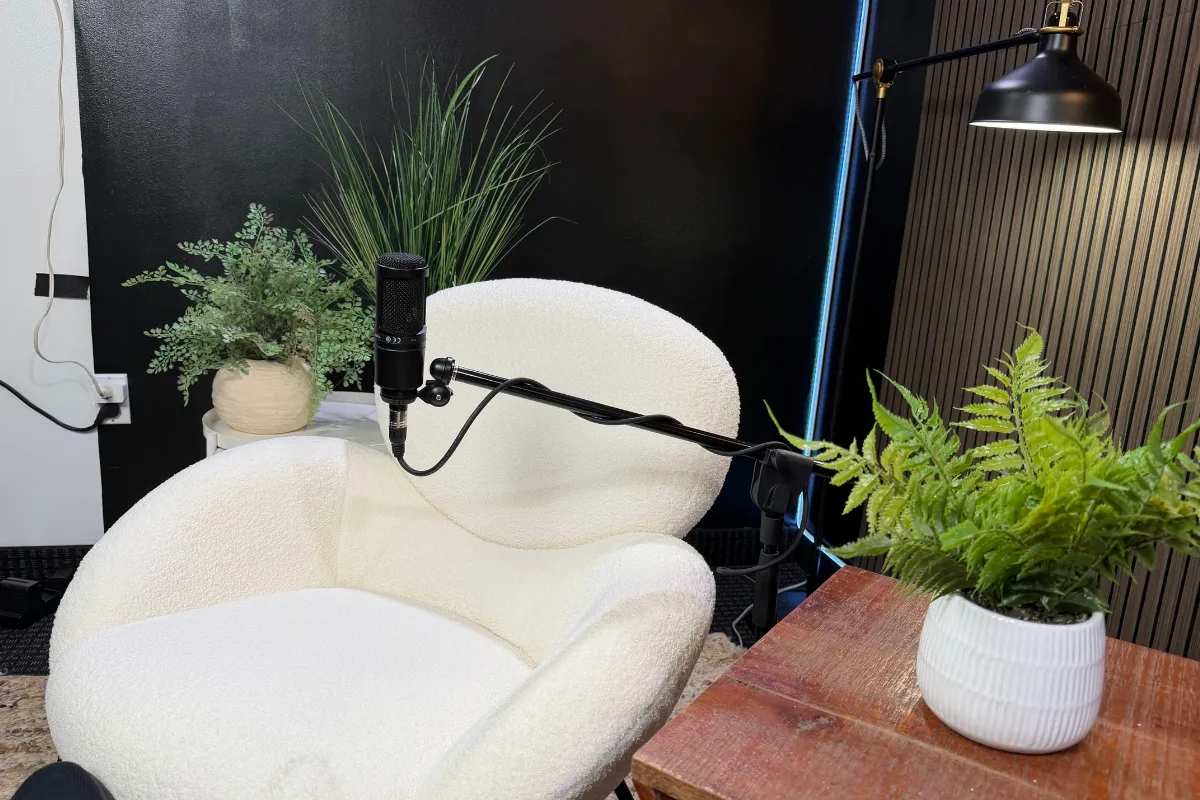
- Use clean microphones: Crisp, broadcast-quality audio makes automated transcription far more accurate.
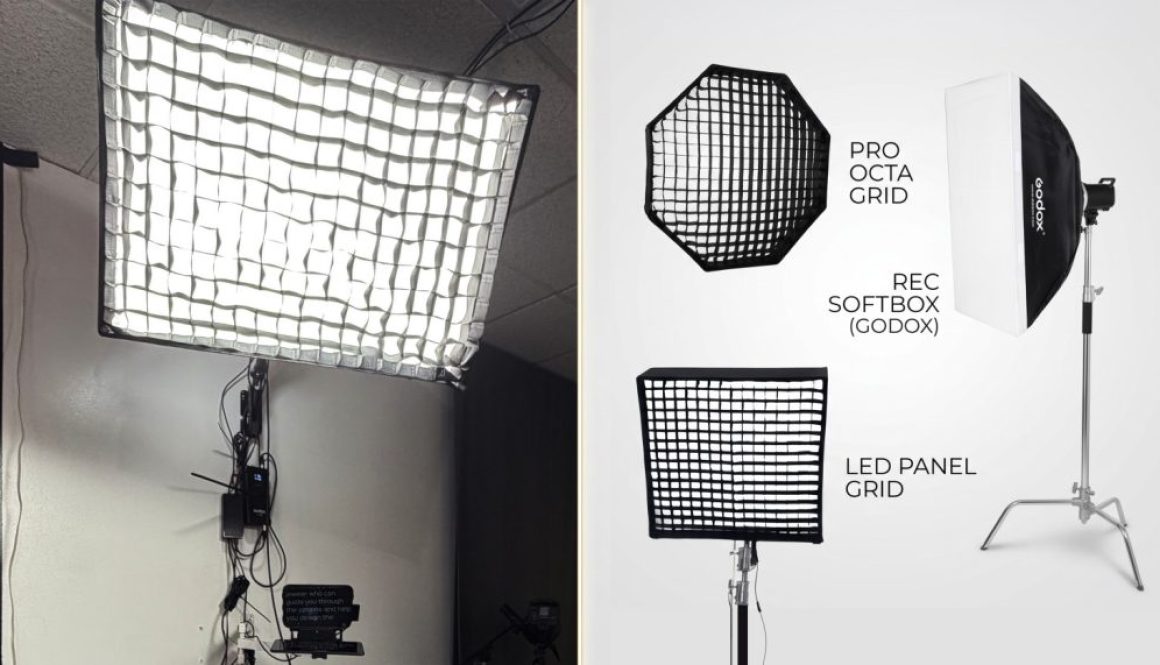
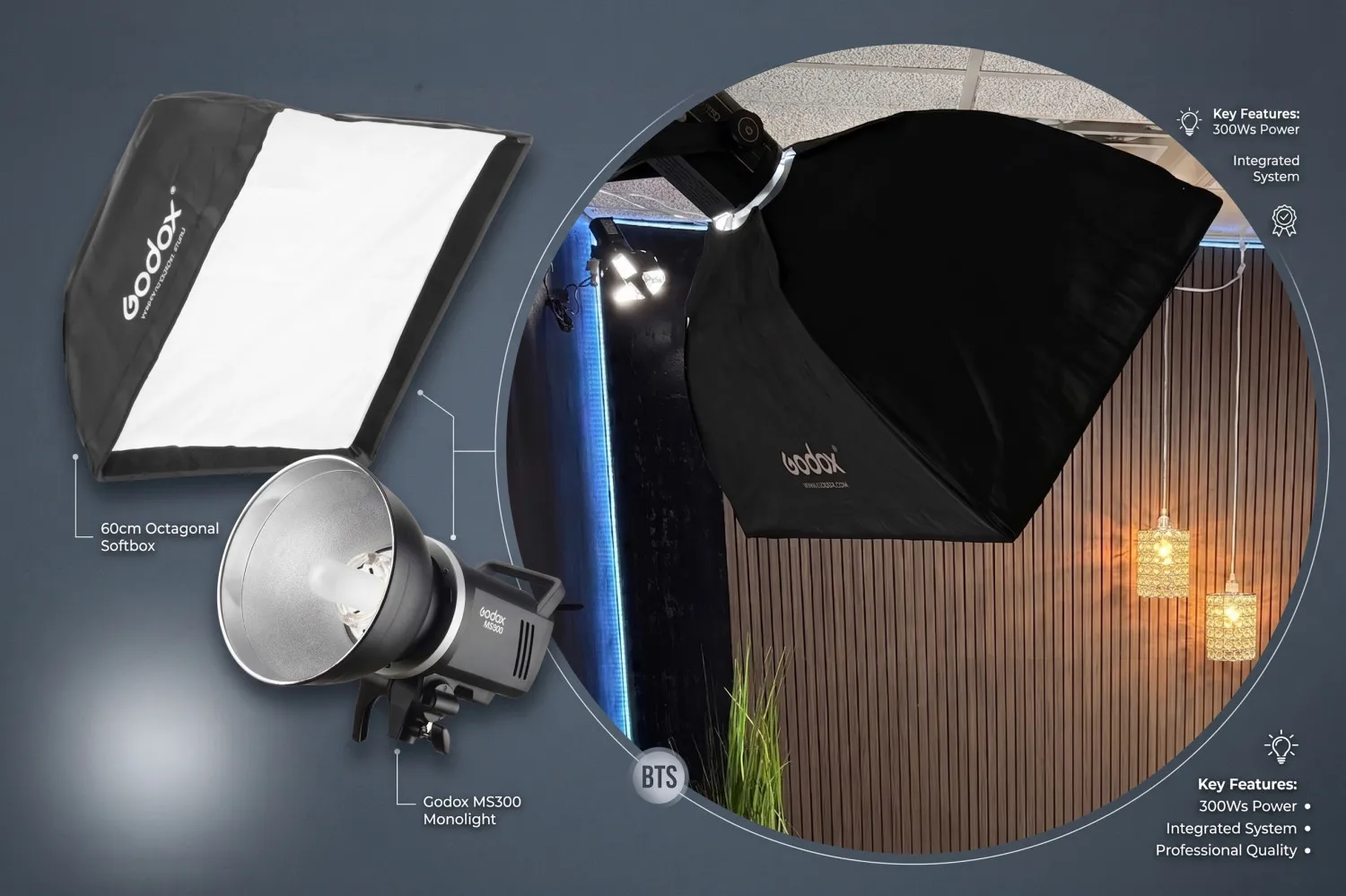
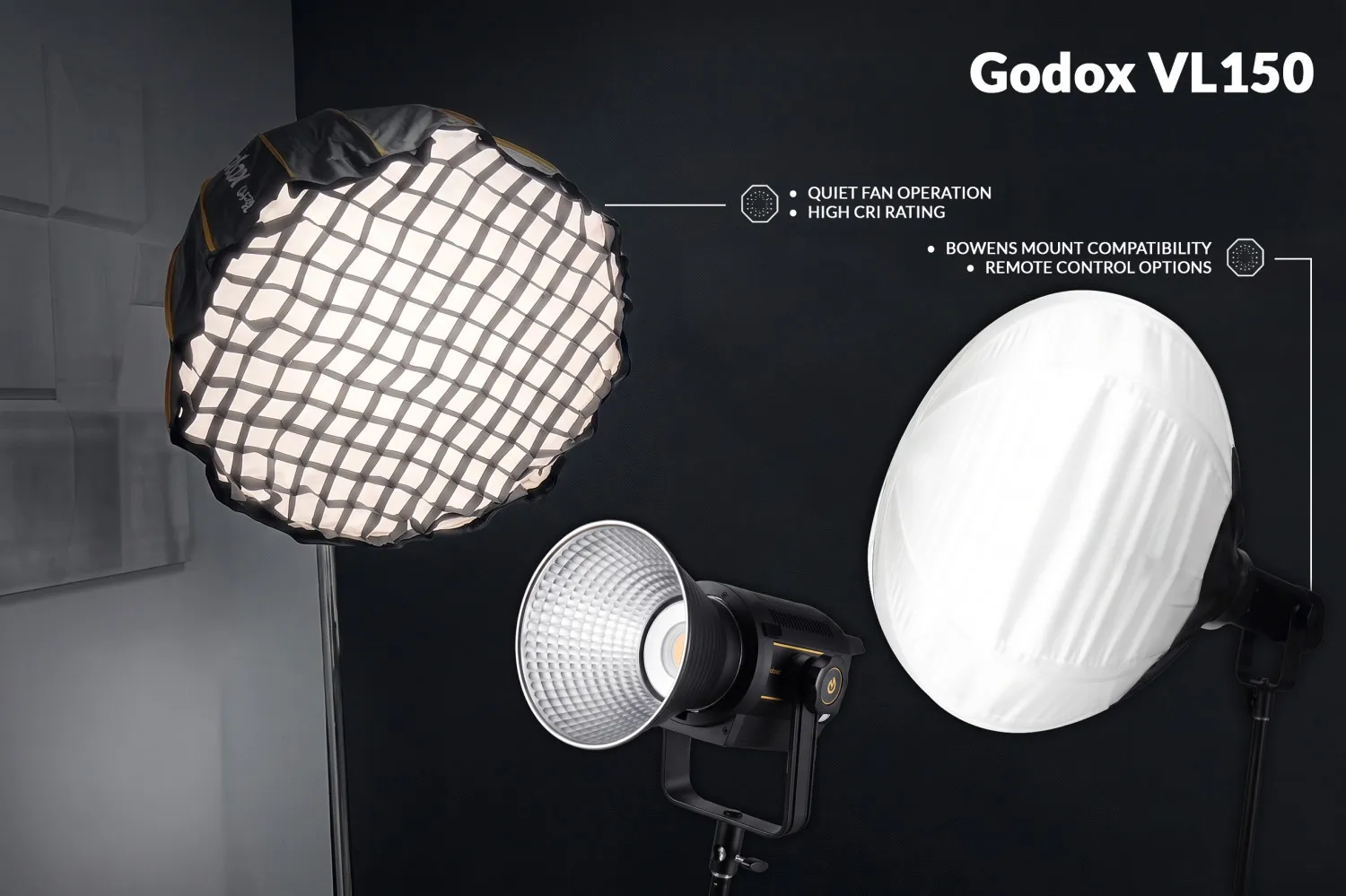
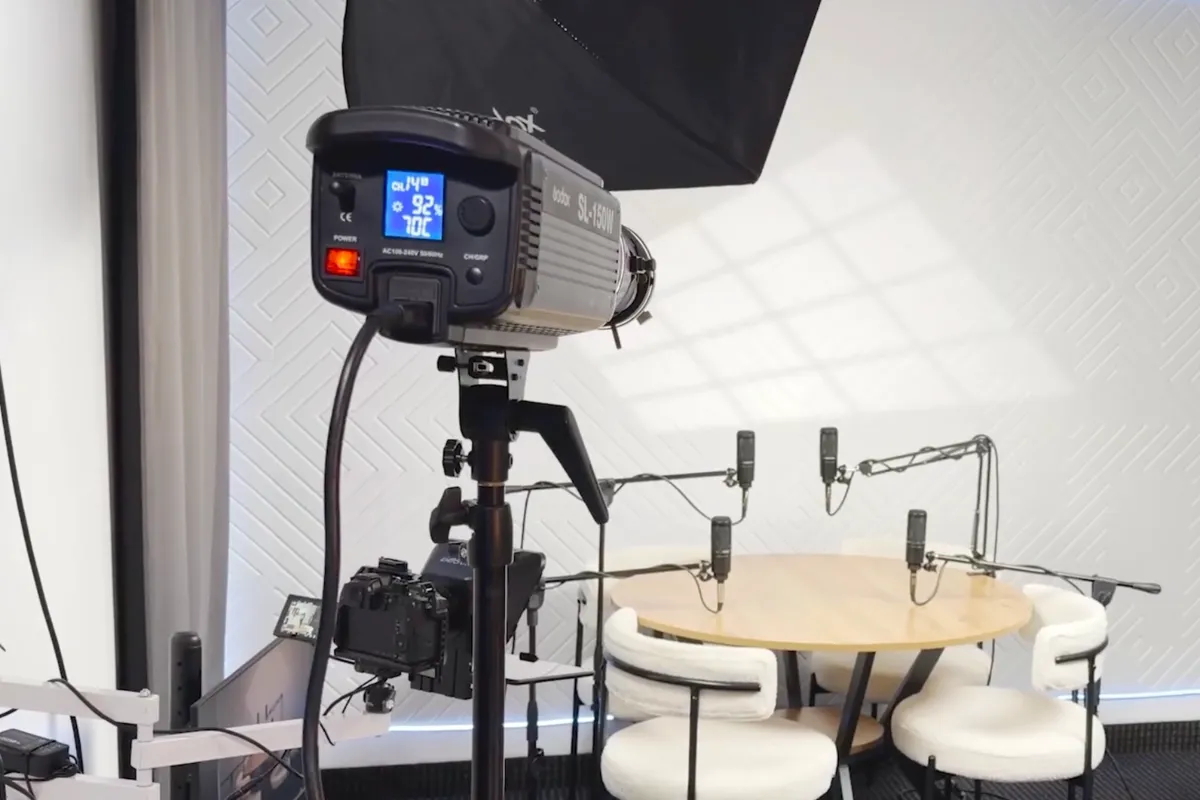
- Check your lighting: Good lighting keeps your video clips sharp and clear on phone screens.
- Capture candid moments: Record before and after the official interview. Casual banter often makes great promotional material.
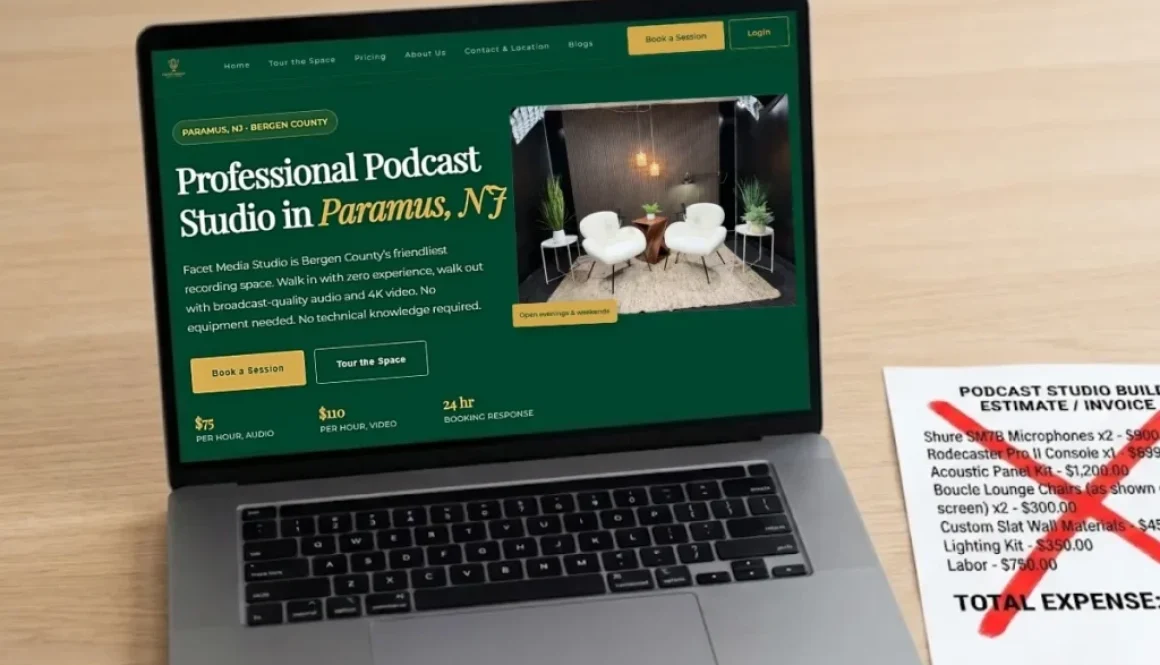
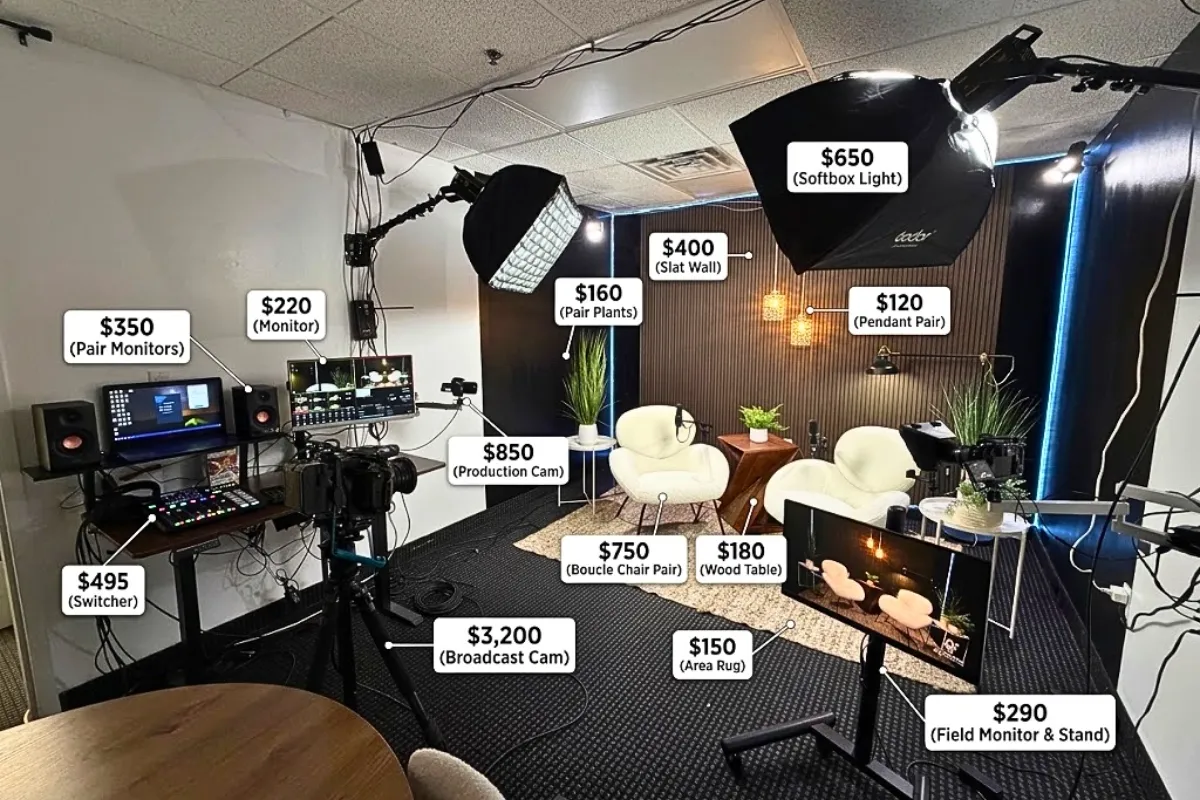
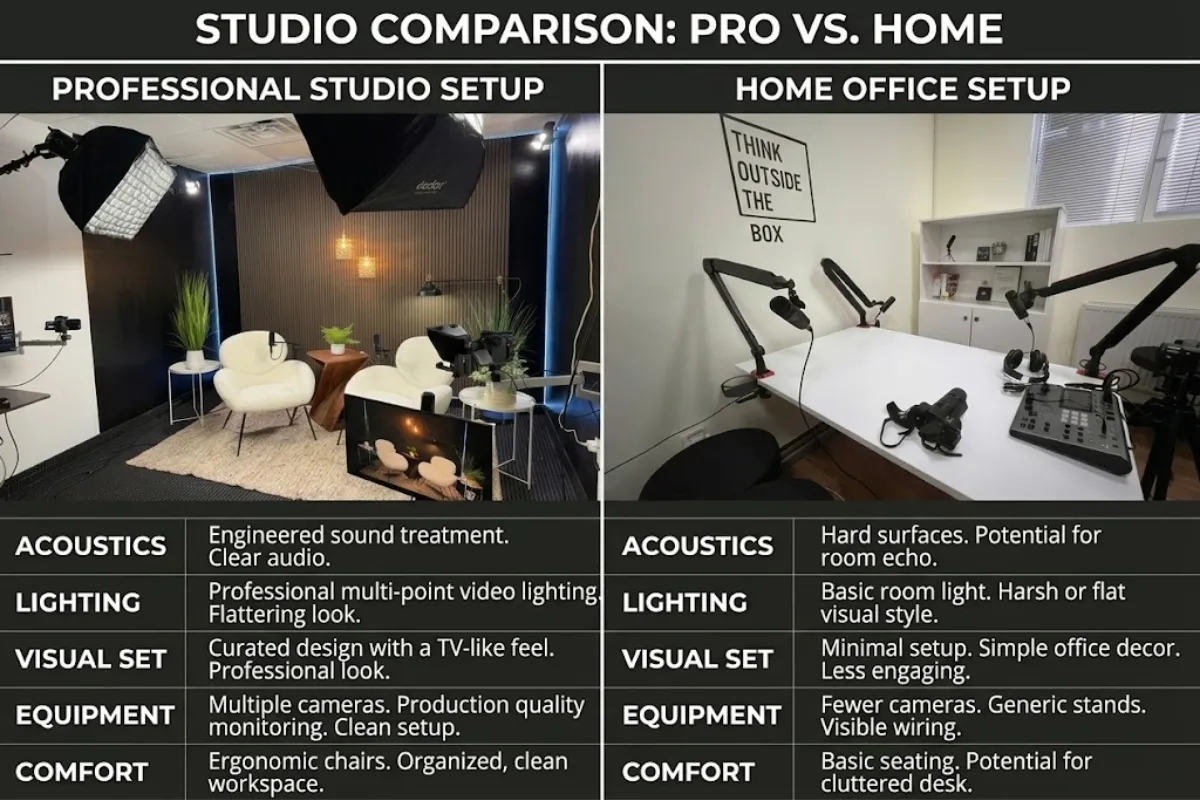
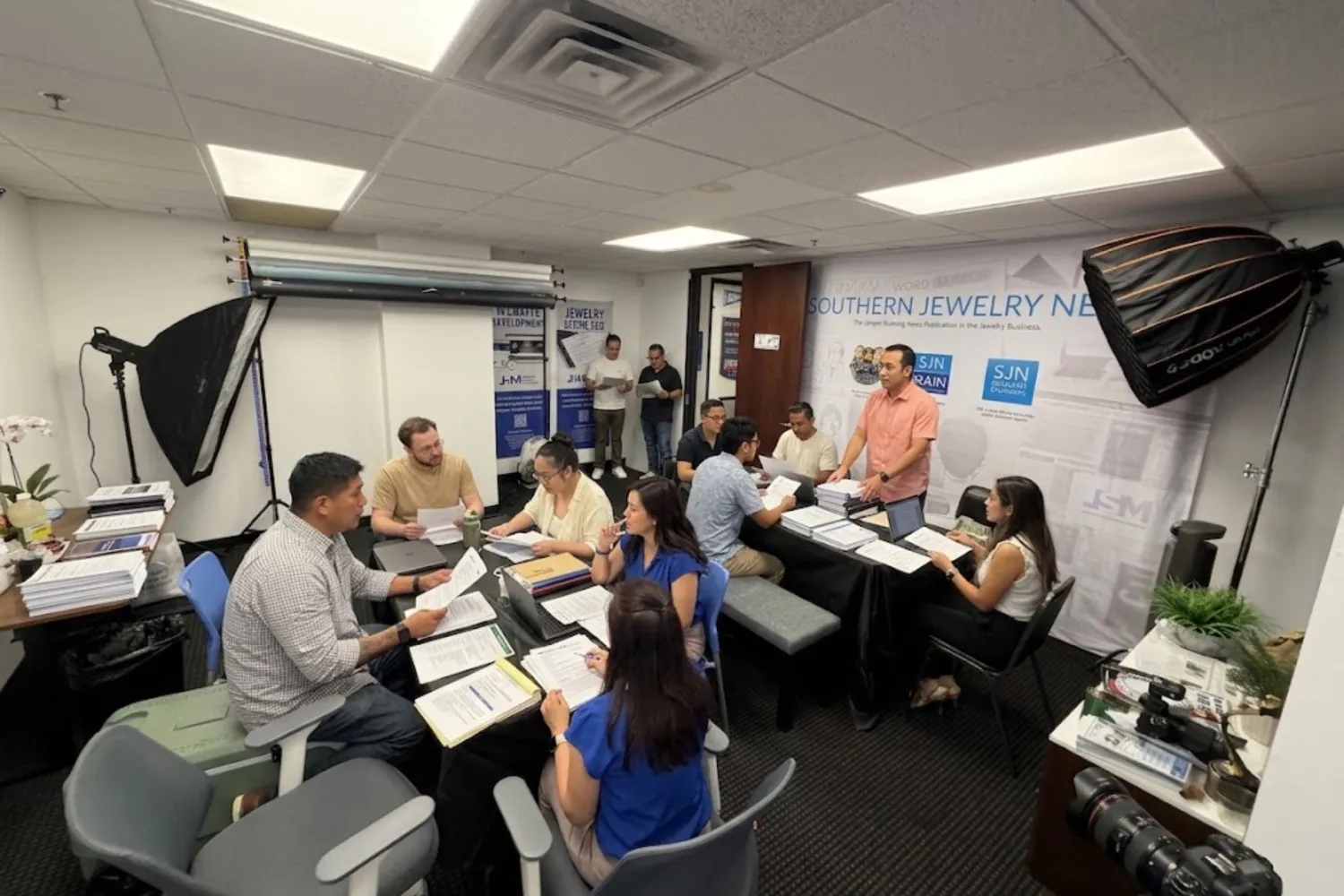
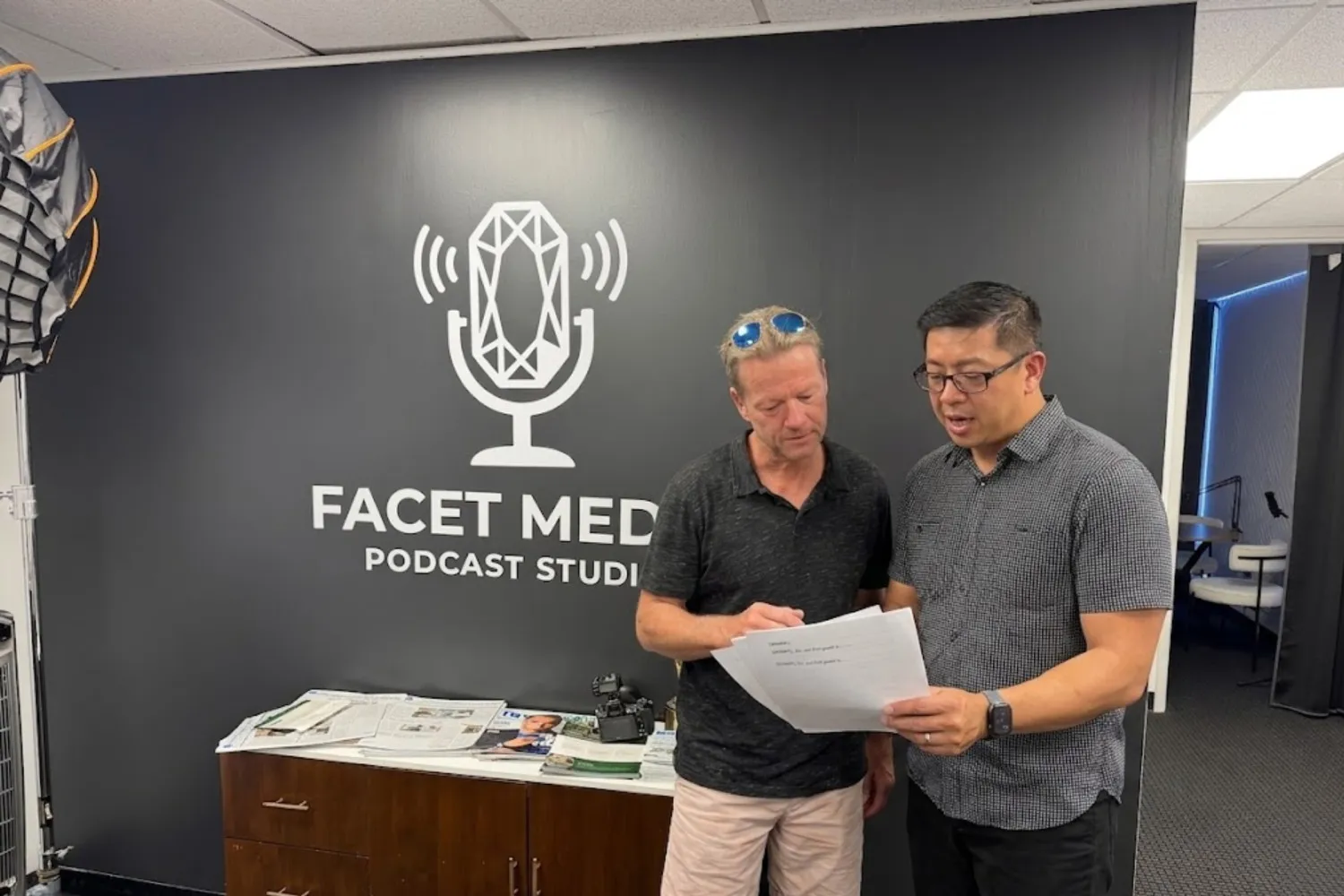
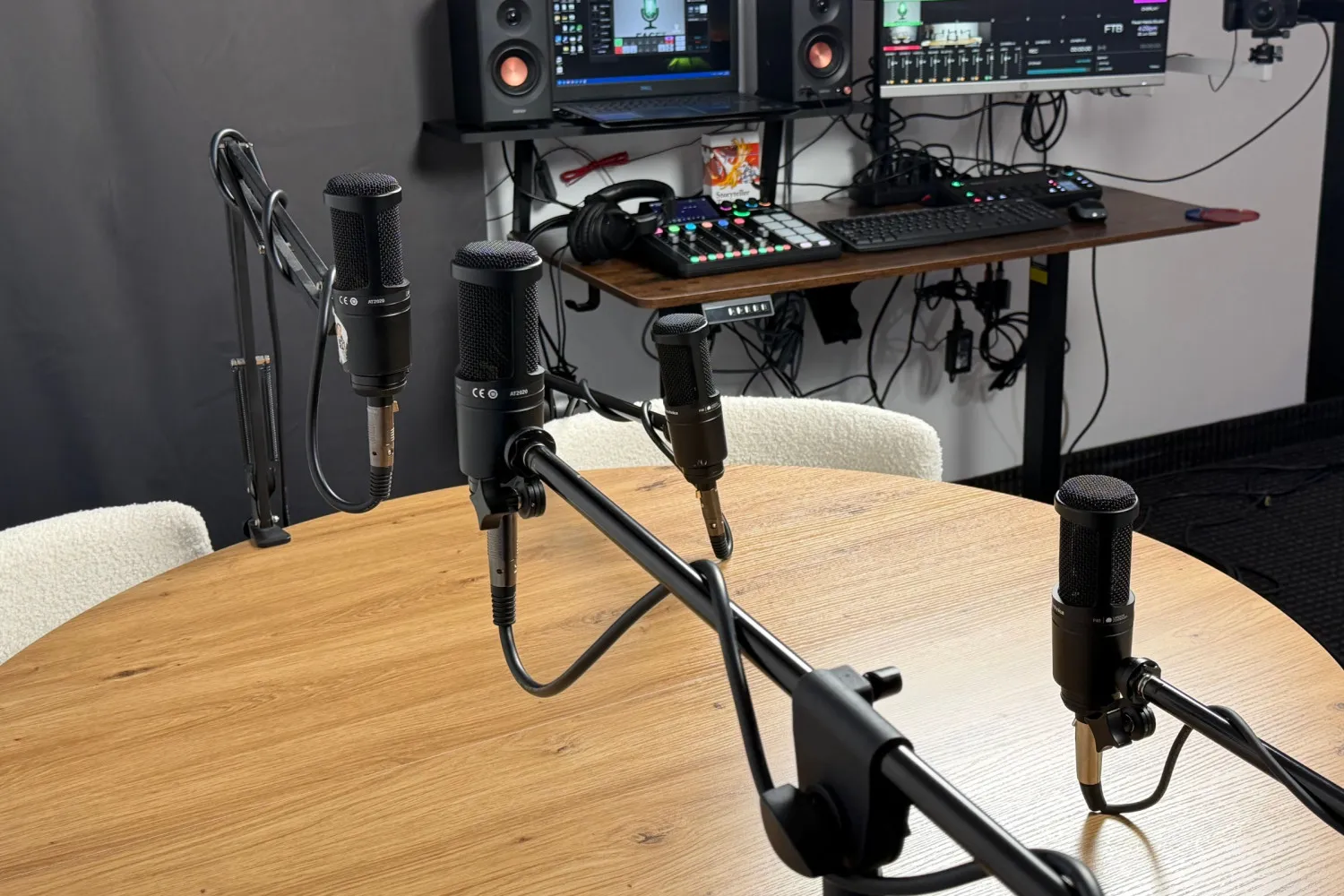
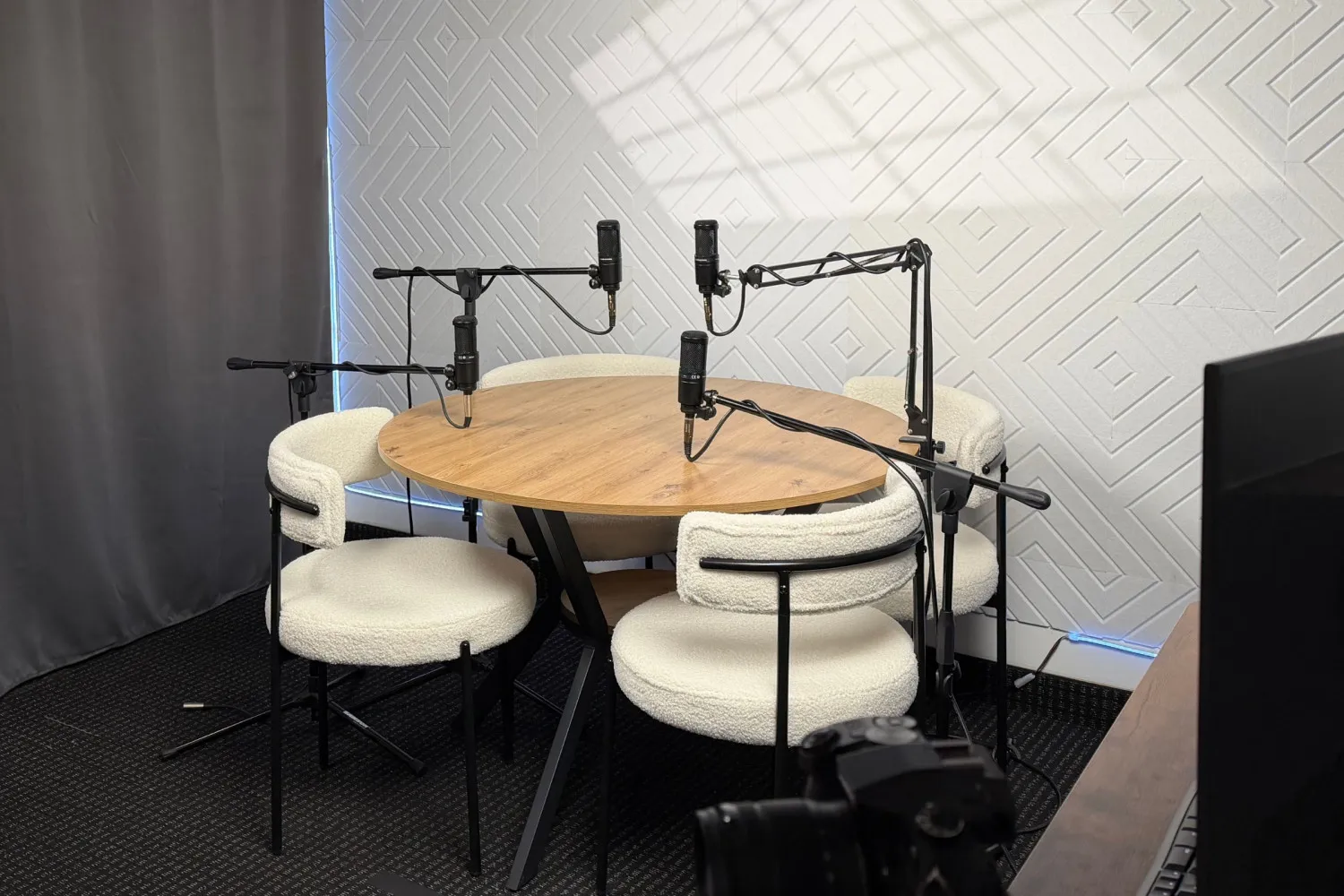
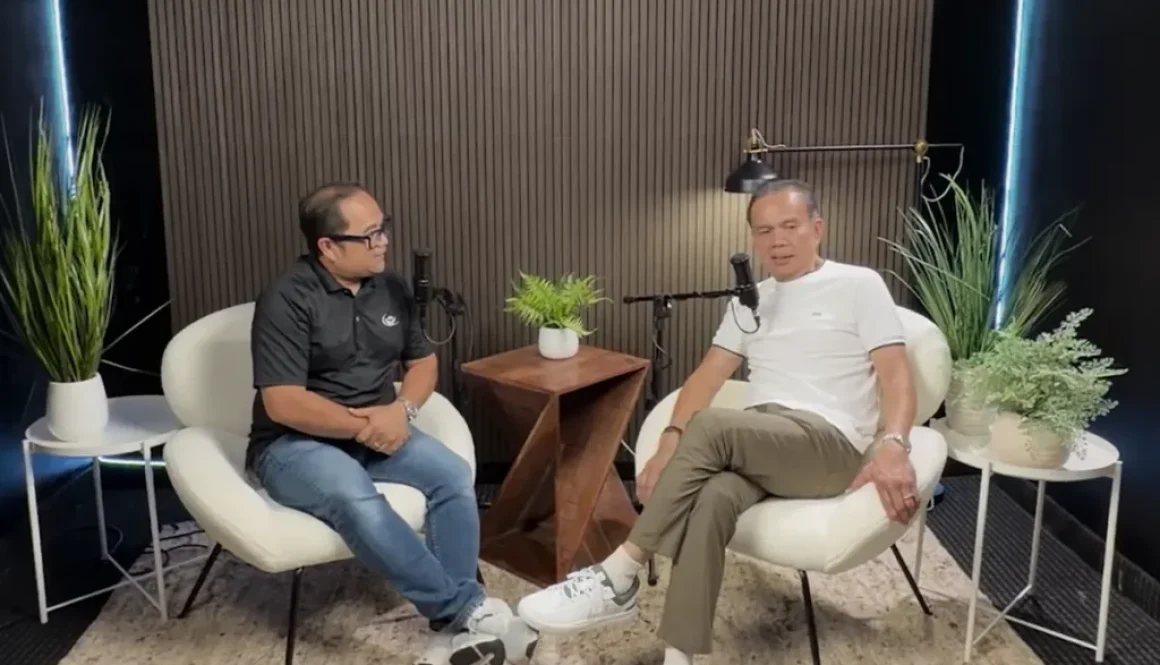
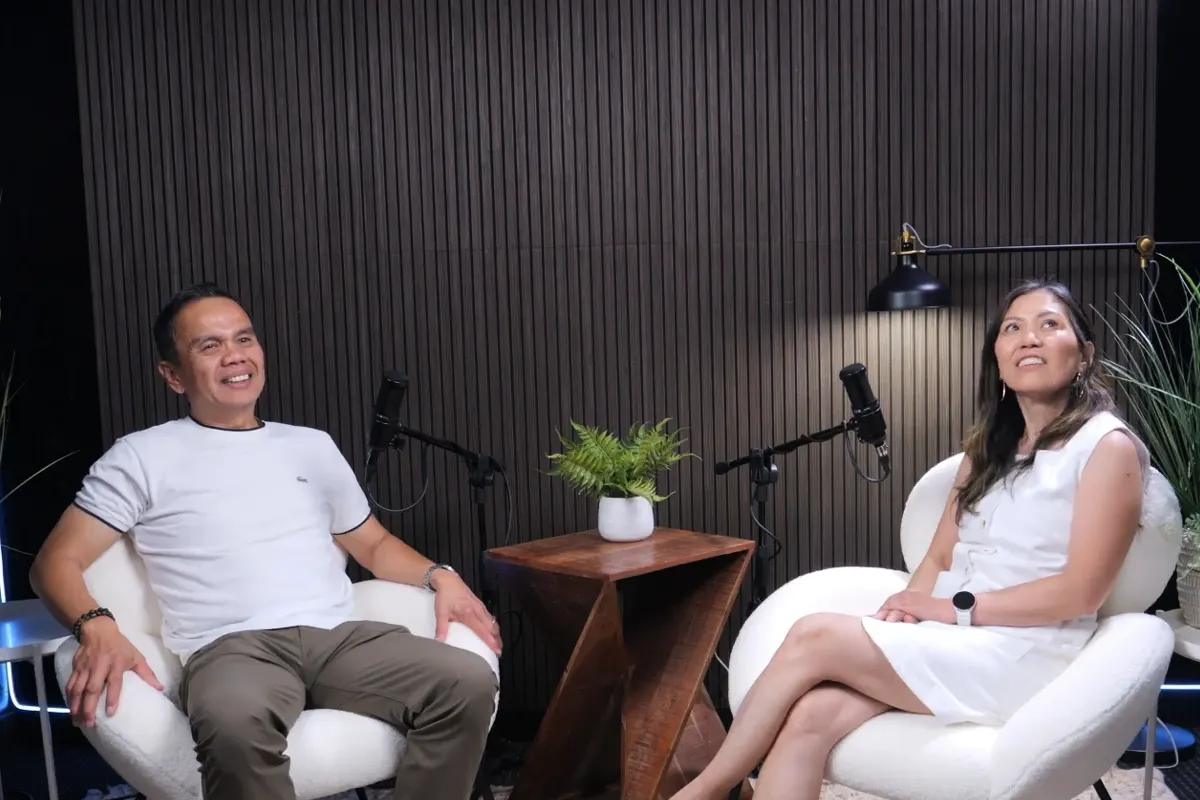
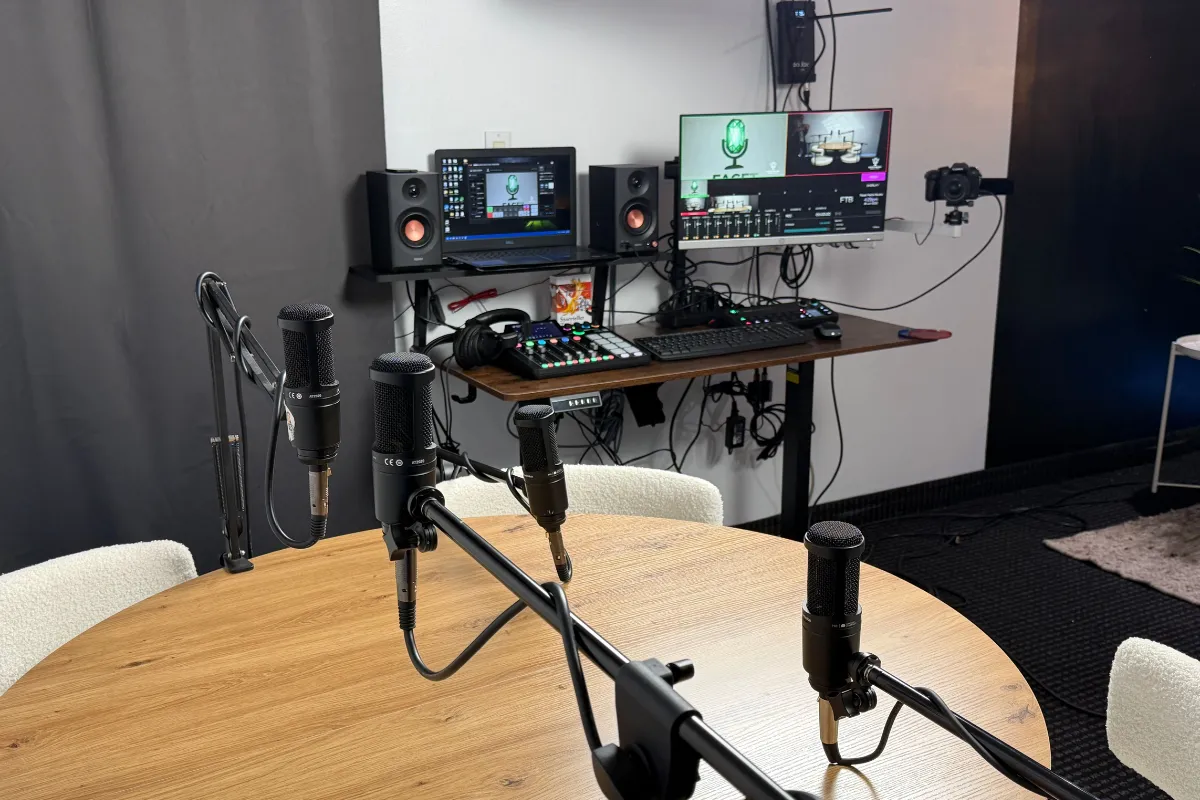
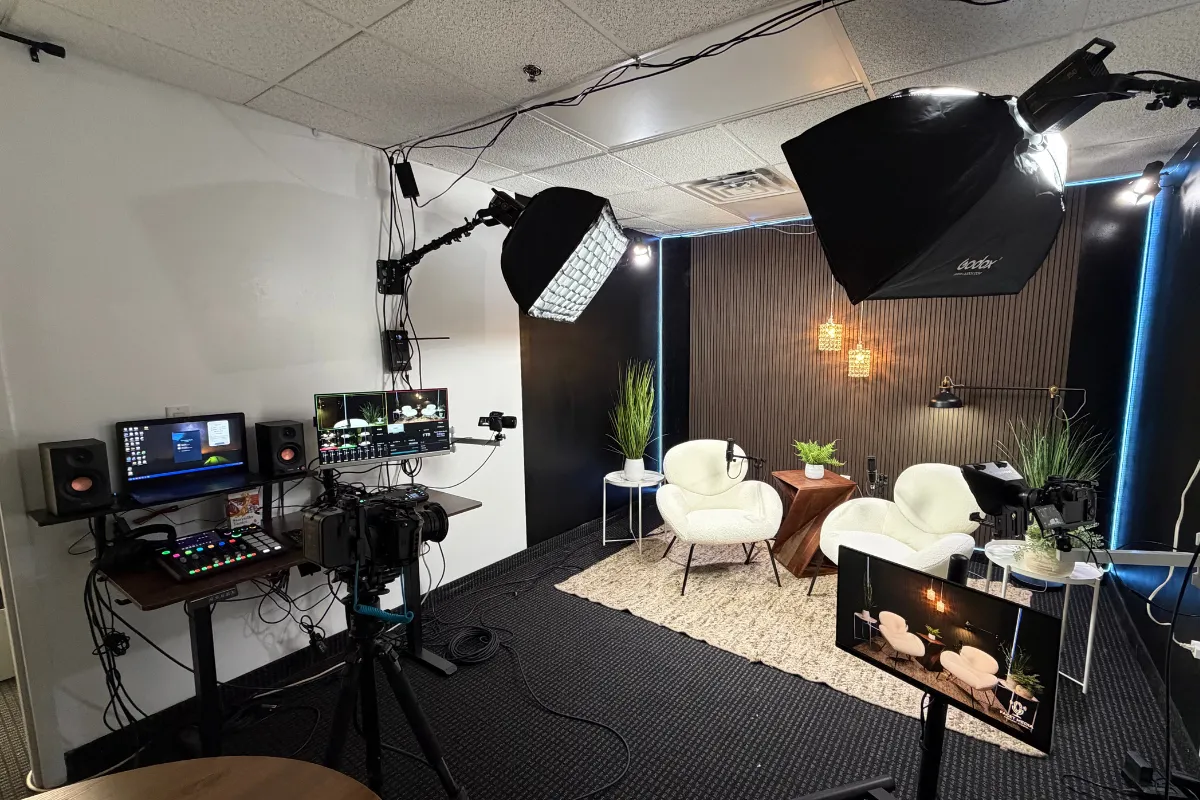
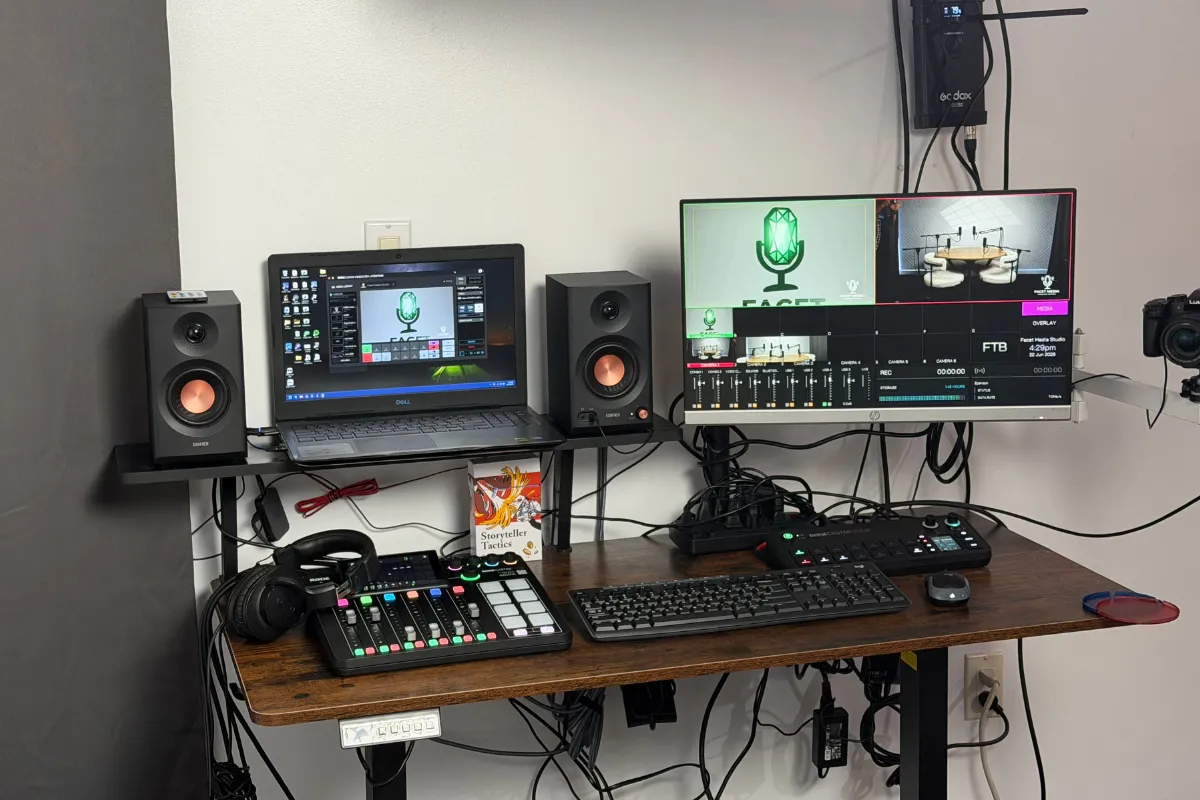
Recording in a fully equipped space like Facet Media Podcast Studio in Paramus, New Jersey gives you access to professional microphones, dedicated multi-cam angles, and fast access to your raw files. This allows you to jump straight into creating your promo assets without troubleshooting technical problems.
Frequently Asked Questions
How many clips should I make from one episode?
Most creators aim for three to five short clips per recording. This gives you enough material to post multiple times a week without overwhelming your editing schedule.
What if my show is audio-only?
You can still create visual posts. Use audiograms, which combine a static graphic, an animated sound wave, and on-screen captions. You can also turn audio points into text graphics, carousels, and written articles.
Do I need complex software to edit my content?
No. Many modern browser tools and phone apps allow you to trim videos, generate captions, and resize footage with a few clicks.
Final Thoughts on Content Longevity
Your recorded conversations hold far more value than a single release date suggests. By breaking down your interviews into short videos, text graphics, and written takeaways, you extend the life of your work and reach listeners wherever they spend their time.
Start small by choosing one new format from your next recording. Over time, building this workflow will help you maintain an active online presence with less effort.
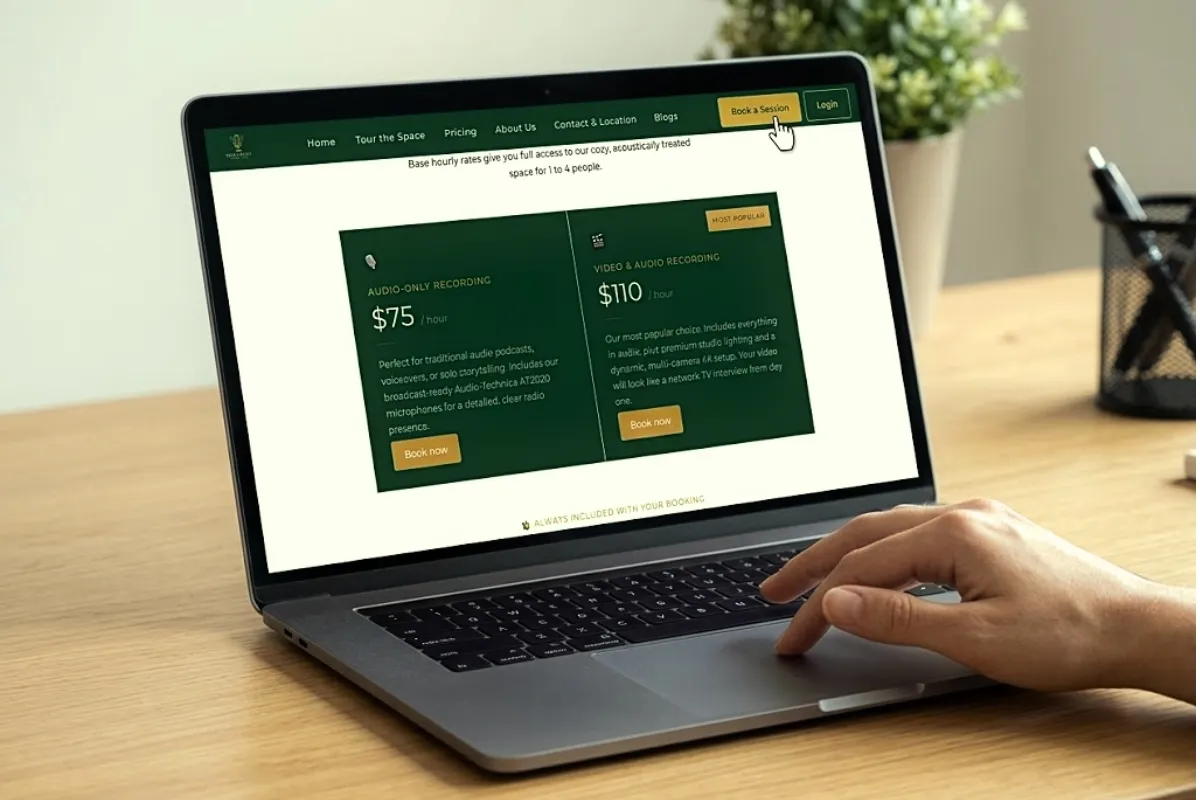
Ready to record your next project? Book your session at Facet Media Podcast Studio today. Reach out by calling (551) 788-0014 or emailing info@facetmediastudio.com to reserve your studio time.