Why Podcast Lighting Makes or Breaks Video
When you launch a show, audio is only half of the picture. If you want to build an audience on video channels, your image quality matters just as much. Good podcast lighting turns a dull, blurry video into a crisp show that keeps people watching.
Cameras do not process light the same way human eyes do. When a room is dark, video cameras try to make up for it by boosting digital gain. This creates graininess and soft focus. You can fix this issue by setting up strong, steady lights.
Key Takeaways
- Proper podcast lighting removes video noise and keeps your picture clear.
- A standard setup uses three lights: key light, fill light, and background light.
- Continuous lights like the Godox VL150 offer steady brightness without flickers.
- Standard ceiling lights create bad shadows under eyes and noses.
- Working in a studio like Facet Media Podcast Studio lets you focus on content while experts handle the technical setup.
The Impact of Quality Studio Lighting
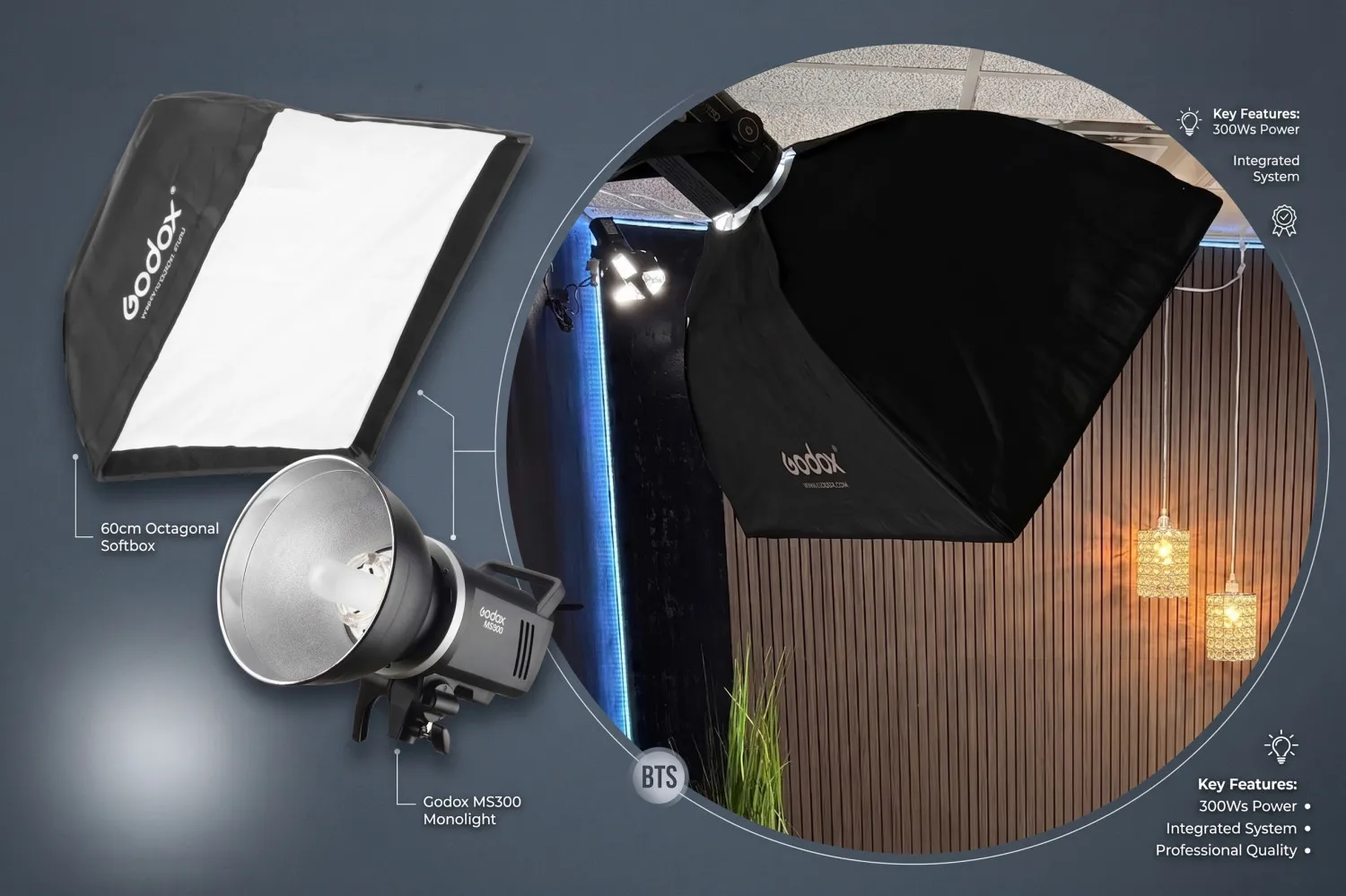
Good studio lighting gives your video a clean look. When your face is lit correctly, your audience can read your expressions easily. This helps you build trust and connect with viewers.
Here are key reasons why light control matters:
- Reduces Camera Grain: Bright spaces let camera sensors work at low ISO settings, which keeps the image sharp.
- Separates Subject From Background: Proper placement keeps you from blending into the wall behind you.
- Keeps Color Accurate: Consistent light sources make skin tones look natural instead of green or yellow.
- Saves Editing Time: Good light on set means less color correction needed during post-production.
Key Insight: Video cameras need far more light than most office rooms provide. Standard desk lamps or home ceiling bulbs are rarely enough for clear video recording.
Key Elements of a Professional Video Setup
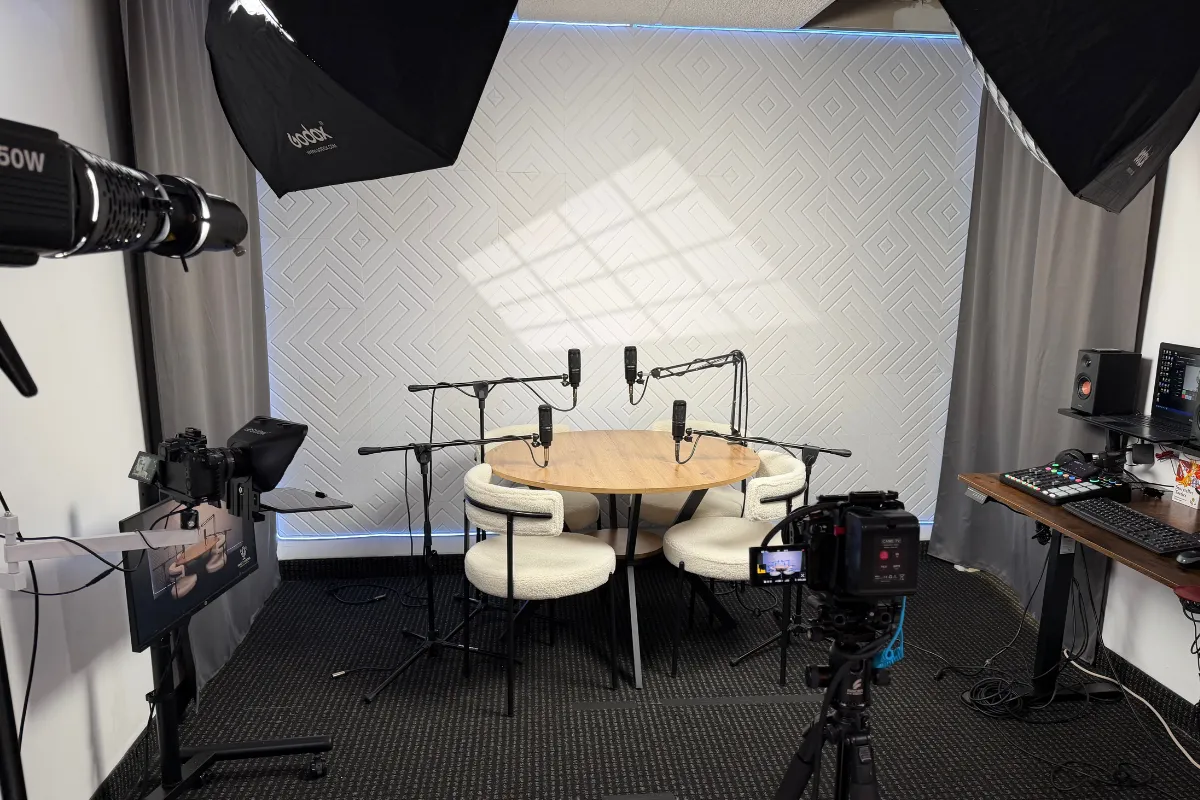
To build a professional video setup, you need to understand how different lights work together. Most studios use a three-point system to balance shadows and highlights.
Here is how the three main lights work together:
| Light Type | Placement | Purpose |
|---|---|---|
| Key Light | 45 degrees to the side of the host | Primary light source that lights the face |
| Fill Light | Opposite side of the key light | Softens dark shadows created by the key light |
| Hair/Background Light | Behind or above the host | Adds separation from the wall and adds depth |
Setting Up the Main Lights
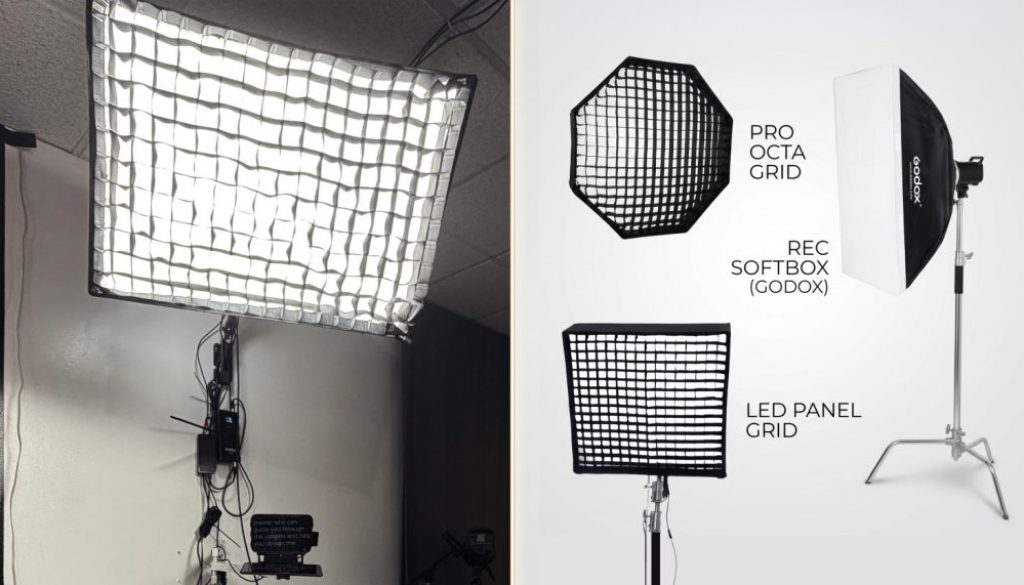
Your key light does most of the heavy lifting. You should place it slightly above eye level and angle it down at your face. This creates natural shadows under the chin without making deep sockets around the eyes.
Your fill light sits on the other side. It should be dimmer than your key light so your face still has form and dimension. Finally, a background or rim light separates your hair and shoulders from the backdrop.
Choosing Gear: The Godox VL150 and Beyond
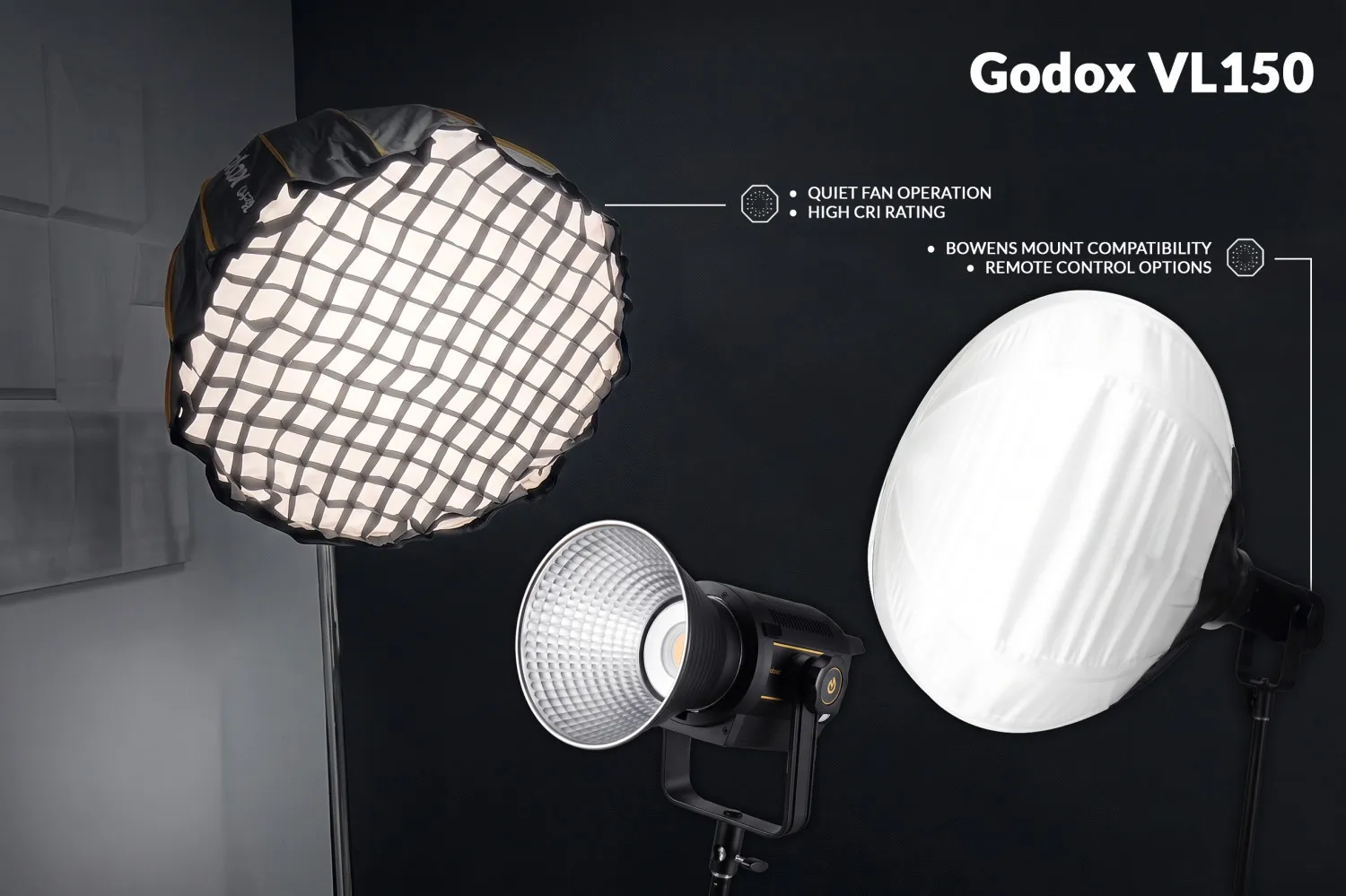
Selecting the right fixtures is important for long recording sessions. A fixture like the Godox VL150 is popular among video creators for several reasons.
Features to look for in continuous video lights include:
- Quiet Fan Operation: Heavy fans ruin audio track recordings. Look for units designed for video use.
- High CRI Rating: Color Rendering Index (CRI) measures how accurately a light reveals true color. Aim for 95 or higher.
- Bowens Mount Compatibility: This allows you to attach softboxes, lanterns, and diffusers easily.
- Remote Control Options: Adjusting brightness from a mobile app or remote saves time during recording breaks.
Pro Tip: Always use softboxes or diffusion material on your key lights. Direct bulbs create hard shadows that make skin look oily or uneven.
Mistakes to Avoid in Your Setup
Setting up fixtures takes care and testing. Many new creators make basic mistakes that harm their video output.
Avoid these common technical mistakes:
- Mixing Light Temperatures: Combining warm home lights (2700K) with daylight (5600K) makes color balance impossible.
- Relying on Overhead Bulbs: Ceiling lights cast harsh downward shadows that hide your eyes.
- Sitting Directly in Front of Windows: Sunlight shifts constantly as clouds move, ruining your lighting levels mid-episode.
- Ignoring Backlight: Without light behind you, your shoulders blend into dark furniture or walls.
Recording at Facet Media Podcast Studio
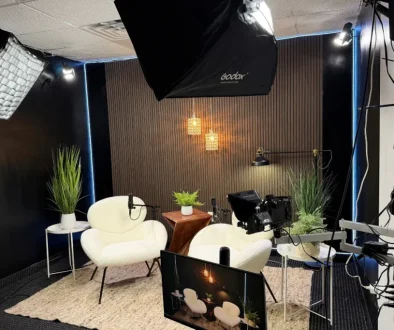
Setting up high-grade video gear at home takes time, space, and money. If you prefer to avoid the technical headaches, Facet Media Podcast Studio in Paramus, New Jersey provides an easy alternative.
The studio offers two distinct looks in one space:
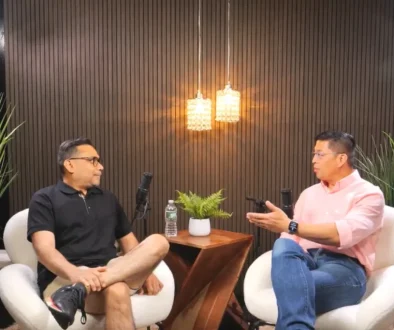
- The 2-Person Lounge: Dark wood-slat paneling with warm lighting for a cozy conversation tone.
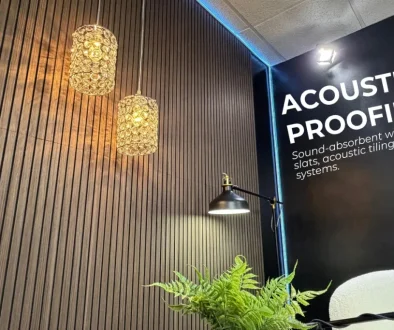
- The 4-Person Roundtable: A vibrant setup featuring an acoustic feature wall for group discussions.
Every booking includes an on-site engineer who manages camera angles, audio levels, and light settings. You walk into a pre-lit studio, record your content, and receive raw files in your inbox within 1 to 2 hours.
Conclusion
Investing attention in your visual presentation pays off. Clear video keeps viewers on your channel longer and builds a strong image for your show. By using a standard three-point system, managing color temperatures, and picking reliable fixtures, you can build a clean look for every episode.
If you want a hassle-free option, working in a pre-lit studio space lets you focus on your message while professionals handle the technical gear.
Frequently Asked Questions
Why is good lighting necessary for video podcasts?
Good light keeps your video camera from creating noise and grain. It ensures your face is visible, skin tones look natural, and viewers stay engaged with your show.
What is the best position for a main podcast light?
Place your primary light source about 45 degrees to the side of your camera and slightly above eye level, angled down toward your face.
Can softboxes improve video quality?
Yes. Softboxes spread light across a wider area, making shadows softer and skin look smoother on camera.
Do I need to buy expensive equipment to start?
No. You can start with basic fixtures or book time at a pre-configured studio like Facet Media Podcast Studio to access commercial-grade gear without buying it yourself.
Ready to record your show without gear headaches? Contact Facet Media Podcast Studio today by calling (551) 788-0014 or emailing info@facetemediastudio.com to book your session in Paramus, NJ.