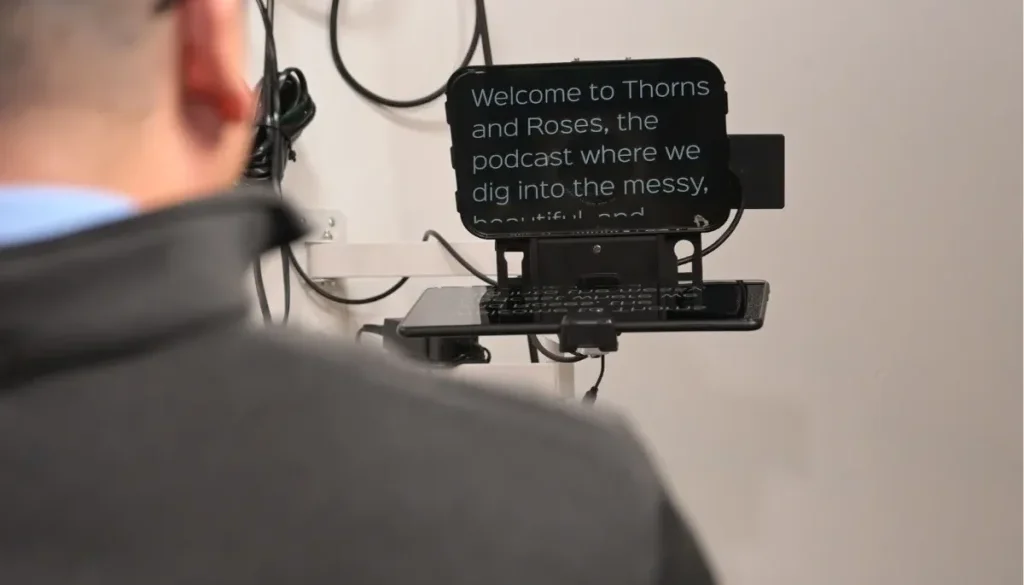
How to Use a Teleprompter Naturally on Camera
When you record video content, remembering every line can feel stressful. If you want to share clear information without spending hours memorizing text, learning to use a teleprompter is a great solution. A screen prompter helps you keep direct eye contact with your lens while guiding your conversation.
Many creators struggle when they first try reading from a glass display. Their eyes move back and forth, their voice sounds robotic, and their body stiffens up. Reading text while looking natural takes a small amount of preparation and practice. At Facet Media Podcast Studio, we provide the gear, teleprompters, and guidance you need to produce exceptional content. This guide shows you how to read off a screen while keeping your presentation relaxed and engaging.
Key Takeaways
- Position your camera far enough back: Distance hides eye movements as you read the lines.
- Write like you speak: Short sentences and conversational words create natural speech.
- Set the scroll speed to your voice: Let the text follow your natural pauses rather than rushing to keep up.
- Use voice inflection: Add physical gestures, smiles, and pauses to break up stiff delivery.
Preparing Video Podcast Scripts for the Screen
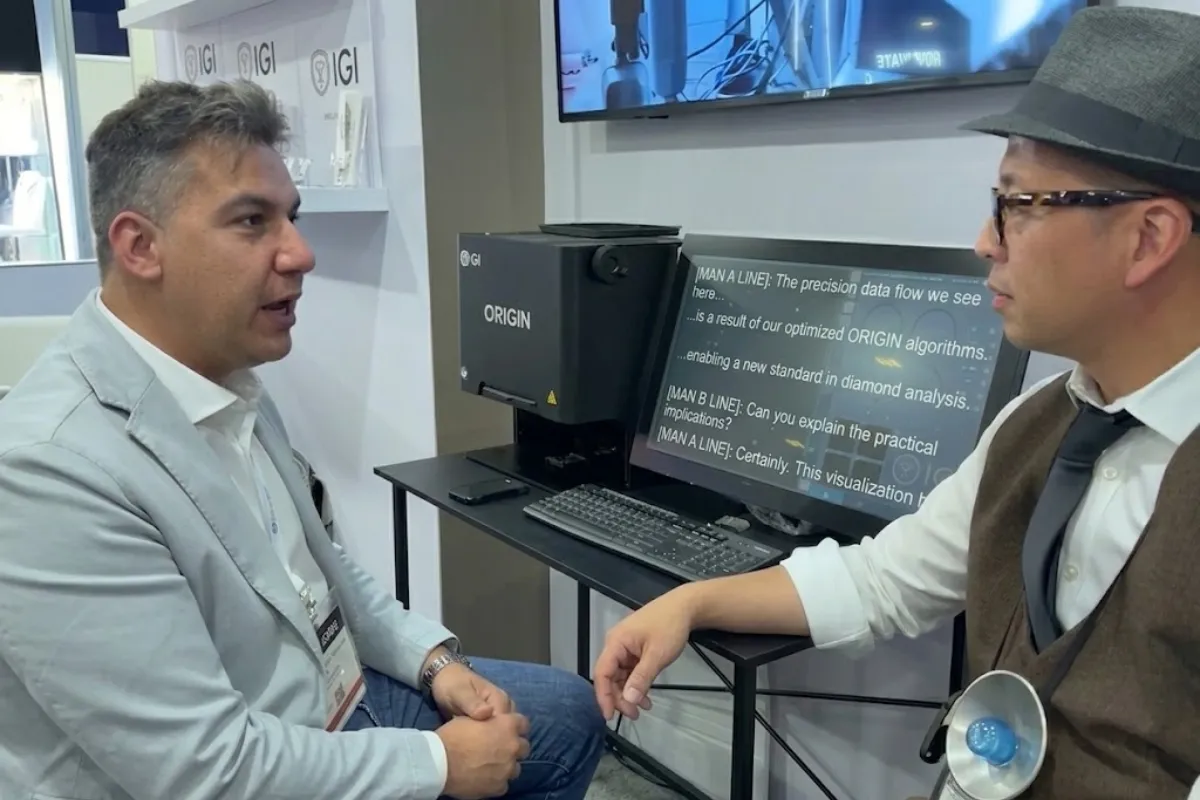
The way you write your script changes how you speak it on camera. Written language usually sounds formal, while spoken language is much more casual. When you write video podcast scripts, write for the ear, not the eye.
Simple Rules for Script Formatting
- Keep sentences brief: Long sentences force you to take awkward breaths mid-thought. Aim for 10 to 15 words per sentence.
- Use contractions: Words like “don’t,” “can’t,” and “we’re” sound human. Words like “do not” or “cannot” can sound like a textbook.
- Add visual pauses: Use slashes (/) or paragraph breaks where you plan to pause for emphasis.
- Spell out tricky words: Write out hard names or numbers phonetically so you do not stumble during recording.
- Highlight key words: Use bold text to mark words that need strong vocal emphasis.
Pro Tip: Read your draft aloud twice before pasting it into your prompting app. If your mouth gets tripped up on a sentence, rewrite it immediately.
Simple Ways to Improve On-Camera Delivery
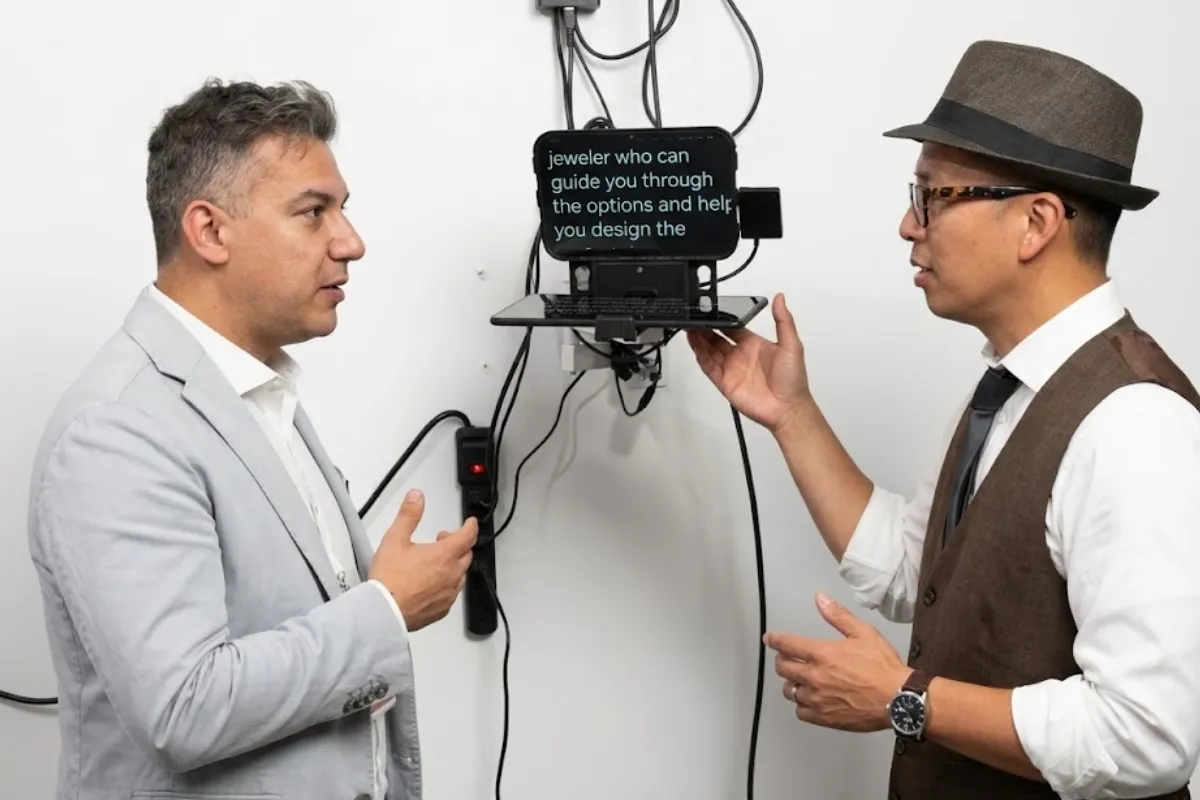
Good on-camera delivery depends on relaxation, pacing, and eye movement. When people watch your video, they should feel like you are speaking directly to them in a friendly conversation.
| Teleprompter Distance Tip | |
|---|---|
| Too Close | Ideal Distance |
|
Camera: 2 feet away Result: Visible eye movement (Left-to-right eye tracking) |
Camera: 6 to 8 feet away Result: Smooth look (Eyes look steady) |
Distance and Eye Tracking
If you stand or sit too close to the screen, your eyes will noticeably move left to right. To stop this tracking effect:
- Step back at least six to eight feet from the camera lens.
- Increase the text font size so you can read it comfortably from a distance.
- Narrow the margin of the text column on the screen so the lines are only three to four words wide.
Vocal Pacing and Body Movement
- Match the text speed to your voice: Never try to race the scrolling text. Make sure your prompter operator or app matches your speaking pace.
- Blink normally: People tend to stare when reading off a glass panel. Remind yourself to blink as you usually do.
- Use your hands: Natural hand gestures take tension away from your eyes and make your posture look loose.
- Nod and smile: Change your expression to match the mood of your script.
Helpful Teleprompter Tips for Video Recording
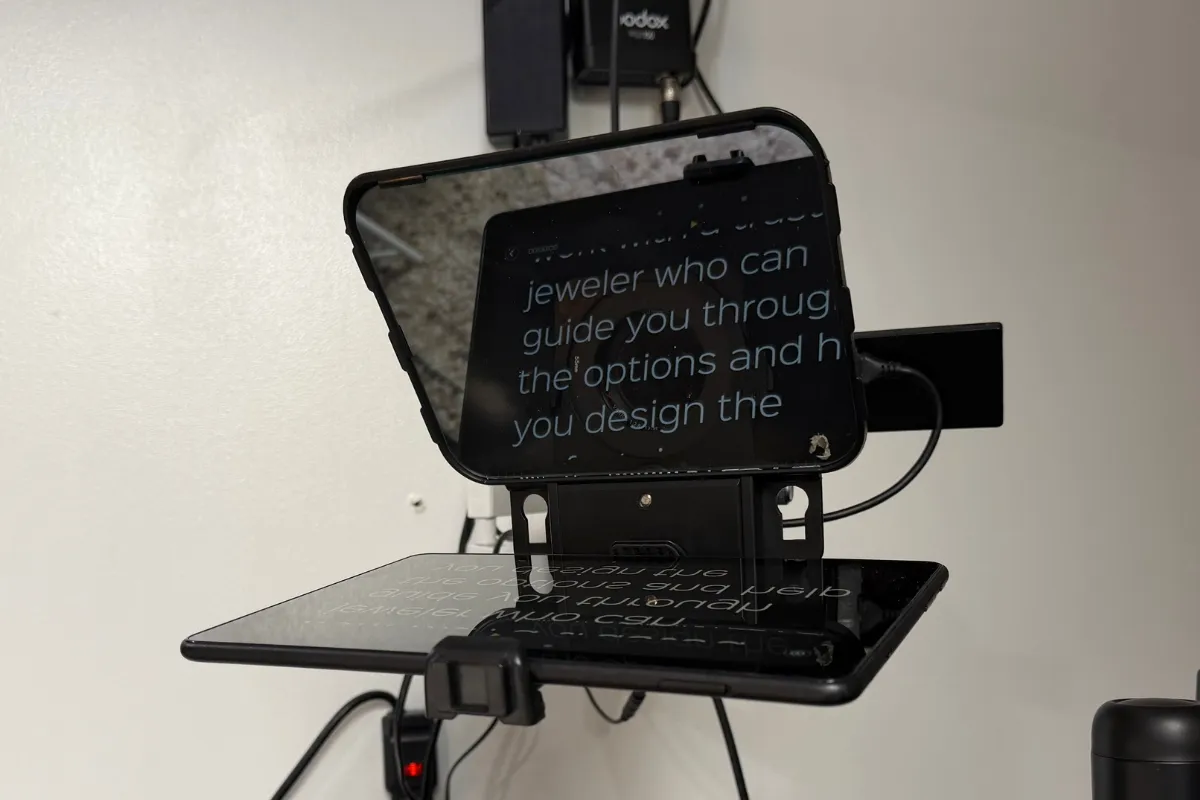
Setting up your equipment correctly saves time and reduces technical mistakes. Here are practical teleprompter tips to improve your workflow in the studio:
Equipment Setup Checklist
- Match eye-line to camera lens: The screen glass must sit directly in front of the lens so you look straight at your viewer.
- Adjust font contrast: White text on a dark black background works best to reduce light leakage into the camera lens.
- Set the font size: Text should be large enough to read without squinting, but small enough to keep full lines visible.
- Position the line marker: Keep your eye focused on the top third of the prompter glass, near the guide marker.
| Common Mistake | Why It Happens | Natural Technique |
|---|---|---|
| Robotic Tone | Reading word-for-word without feeling | Focus on the idea of the sentence, not just individual words |
| Staring / Glaring | Forgetting to blink while following text | Relax your facial muscles and blink regularly |
| Eye Tracking | Sitting too close to the glass screen | Move back six feet and make the text column narrower |
| Rushing Speech | Trying to keep up with fast scroll speeds | Set the prompter to follow your voice, not lead it |
| Stiff Posture | Holding physical tension in shoulders | Move your hands naturally to relax your upper body |
Practicing Before Your Recording Session
Practice makes a huge difference in your final result. Do not wait for the camera light to turn on before reading your text for the first time.
Step-by-Step Practice Routine
- Rehearse without the screen: Read your text on paper first to understand the message.
- Do a silent run: Watch the text scroll at your target speed without talking to check font sizing.
- Record a test take: Record a 30-second video on your phone, then play it back to check for eye tracking.
- Focus on the audience: Imagine you are talking to a single friend sitting right behind the camera lens.
Frequently Asked Questions
How far away should you sit from a script reader screen?
You should sit or stand around six to eight feet away from the glass display. This distance prevents your eyes from moving back and forth across the screen while reading.
How do you stop your eyes from tracking left to right on camera?
To prevent eye movement, make your text margins narrow. Keeping your text centered in a narrow column allows you to read whole lines without shifting your eye position.
Is it better to write full scripts or bullet points?
Both methods work well. Full scripts are great for detailed technical talks or precise announcements. Bullet points work better for relaxed discussions where you want to speak off the cuff.
Final Thoughts on Reading Scripts Smoothly
Reading from a glass prompter is a skill that improves quickly with time. By writing conversational text, setting up your camera distance properly, and keeping your body relaxed, you can deliver smooth videos every time. Take your time, practice your delivery, and let the screen support your message naturally.
Ready to record your next show without technical stress? Visit Facet Media Podcast Studio in Paramus, NJ. Our comfortable studio includes a hands-on engineer and simple prompter options to make your video session easy and smooth. Contact us today at info@facetemediastudio.com or call (551) 788-0014 to book your time.